
TogGameGuides archive by thinkofgames serves as a central index for game walkthroughs and tips. It collects guides, series, and updates from ThinkOfGames. The archive lists entries by date, category, and tags. It helps players find step-by-step guides, maps, and strategy notes. The article outlines the archive structure, top walkthroughs, search tips, and how readers can contribute.
Key Takeaways
- The TogGameGuides archive by ThinkOfGames provides organized, up-to-date walkthroughs and tips to help players improve their gaming experience.
- Guides are categorized by genre, platform, and difficulty, with tags and filters enabling fast access to relevant content.
- Top walkthroughs include RPG quest chains, boss guides, speedrun routes, and annotated maps, ensuring detailed support for various play styles.
- Effective use of TogGameGuides involves following step lists, using maps alongside gameplay, and matching steps to the current game patch.
- Players can contribute by submitting corrections, new guide requests, and community edits through a structured review process.
- The archive highlights top series and links to developer interviews, offering deeper insights into game design and strategies.
What Is The TogGameGuides Archive And Who Created It
ThinkOfGames created the TogGameGuides archive to host detailed game guides. The archive stores walkthroughs, patch notes, and developer interviews. It aims to help players solve quests, beat bosses, and improve skills. The team curates older posts and adds new series each month. It tags each guide with platform, difficulty, and update date. Readers find author names and update logs at the top of every guide.
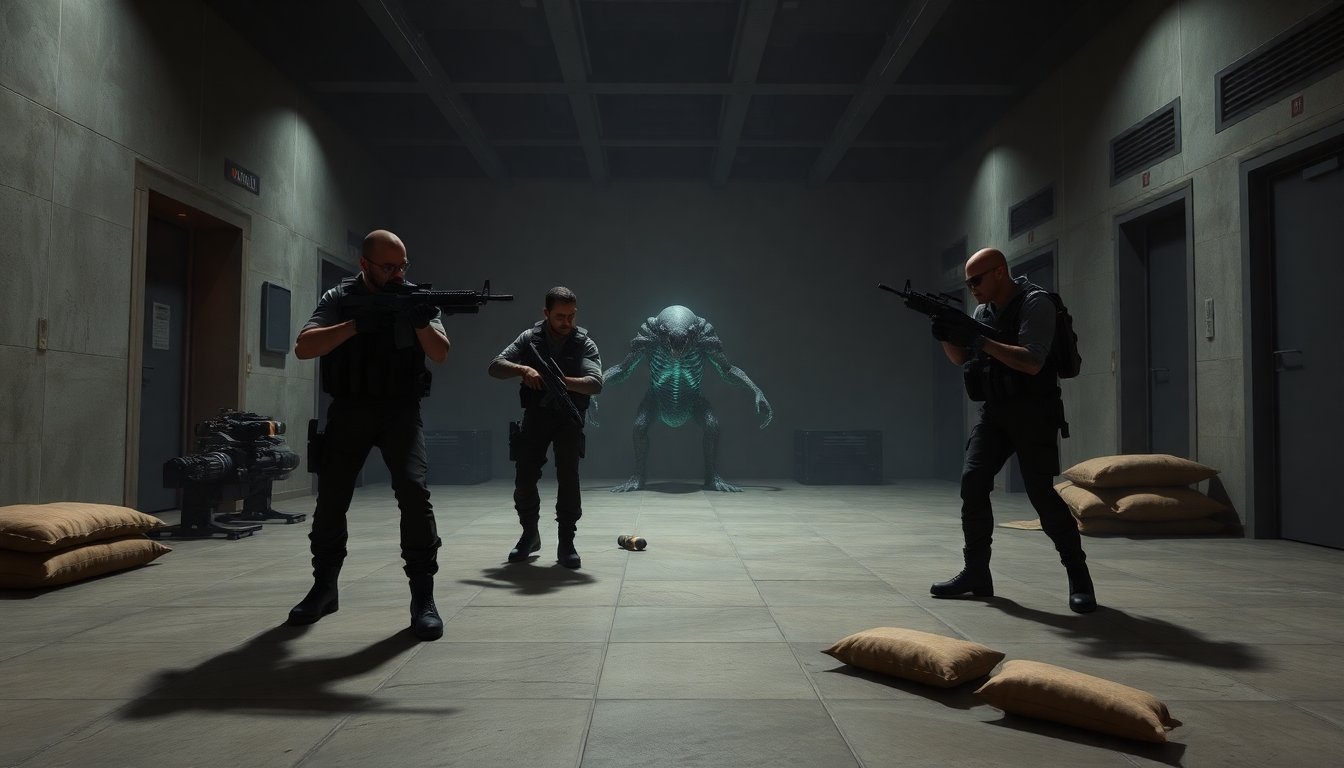

How The Archive Is Organized: Categories, Chronology, And Tagging
The archive organizes content into clear categories. It groups guides by genre, platform, and series. It orders posts by publish date and by major updates. Each entry uses tags for mechanics, level names, and key items. The tagging lets users narrow results fast. The archive shows related guides on every guide page. It highlights major series at the top of category pages.
Search, Filters, And Tag Strategies To Find The Right Guide Fast
Users use the search bar to find keyword matches. They apply filters for platform and difficulty. They pick tags for bosses, quests, or mechanics. They sort results by most recent or most viewed. They read the update log to confirm patch relevance. They check author notes for speedruns or casual play. They open two guides and quickly compare step lists and maps.
Top TogGameGuides Walkthroughs And Series Worth Reading Now
The archive highlights several long-running walkthrough series. It features full RPG quest chains and boss guides. It lists step-by-step speedrun routes and completionist checklists. It rates guides by clarity, update frequency, and reader feedback. It shows series with annotated maps and item locations. It flags guides that require specific patches or DLC. It links to developer interviews when those interviews explain design decisions about a title.
Quick Picks By Genre: RPGs, MOBAs, Indie Titles, And Mobile Games
For RPGs, the archive recommends full quest compendiums and boss tactics. For MOBAs, it lists meta reports and role-specific guides. For indie games, it highlights developer-run walkthroughs and design commentaries. For mobile games, it lists progression cheats and gacha odds explanations. Readers get an extra reference when a title appears in mainstream coverage. For context on sports video game trends, readers can reference a long-form piece on sports titles in mainstream media.
How To Use A TogGameGuides Walkthrough Effectively While Playing
Players read the overview first to set goals. They follow step lists in order and mark completed items. They open maps in a second window or device. They match guide steps to the current game patch. They copy key coordinates or skill rotations into quick notes. They try small sections before they commit to long strategies. They report unclear steps in the comments so others can benefit.
How To Contribute, Submit Corrections, Or Request New Guides
Readers sign in to submit corrections or new guide requests. They use the provided template to add steps, screenshots, and patch numbers. They cite the game version and platform when they report errors. The editorial team reviews submissions within a set timeframe. The team credits contributors on the revised guide page. The archive accepts community edits, requests for new series, and offers guidance on style and formatting.