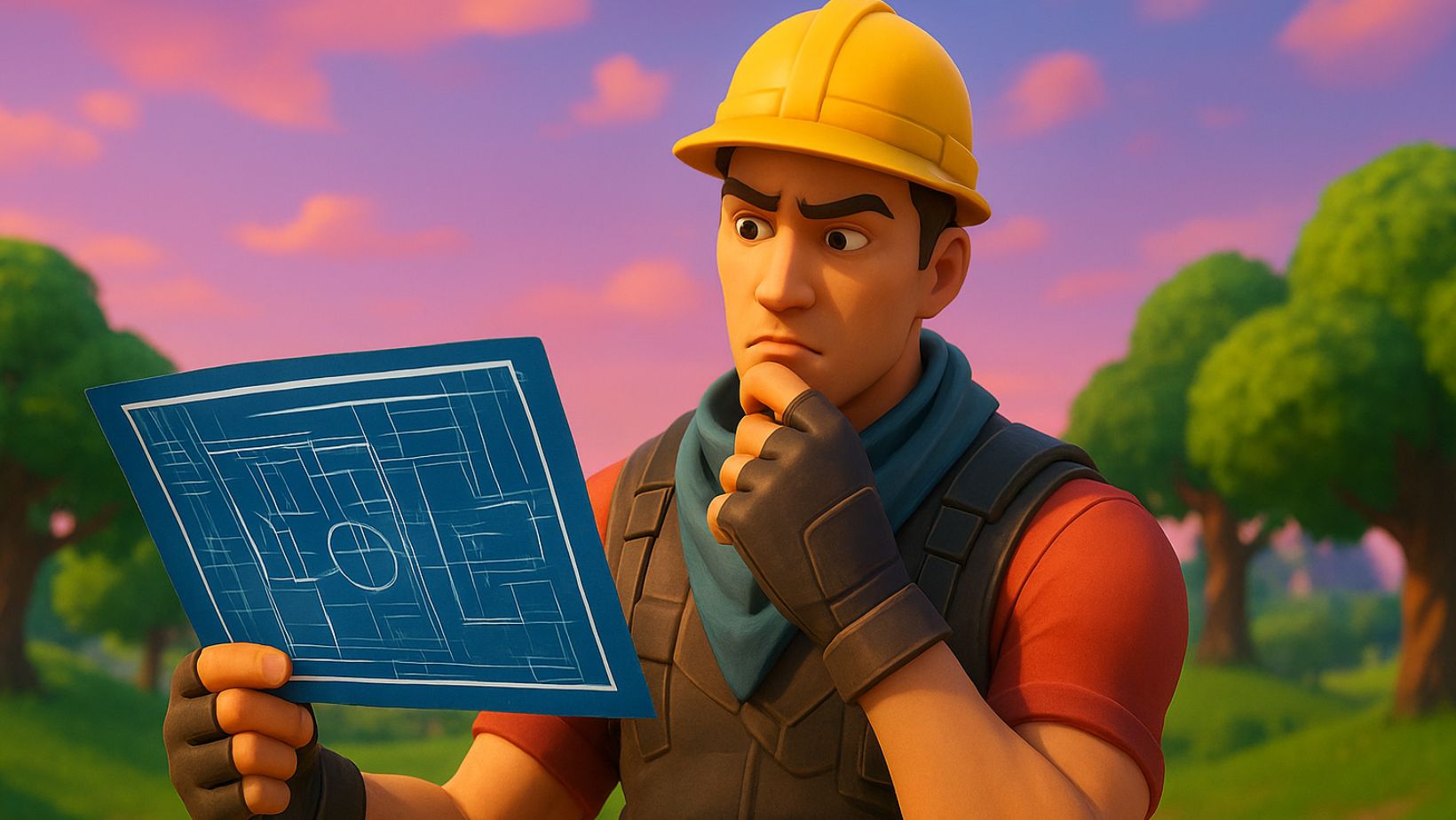
Introduction to Fortnite Creative Mode
When most people see Fortnite, all they see is the latest and greatest Battle Royale game that has “some other mini-games” attached to it. However, others see much more than that. Instead, what they see is an opportunity to let their creativity flow out of them and into the game. Letting them create fun experiences that you didn’t even know were possible to have in this game. Fortnite’s Creative Mode is the perfect outlet for young and excited minds that want to get into the creation of games without a lot of the hassle that comes with learning how to code.
This article will tell you everything you need to know about Fortnite’s creative mode and what you need to do to get creatin’. So get your Fortnite accounts ready because they’re about to become famous thanks to the experiences you will create after this!


- What Makes Creative Mode Different from Battle Royale
Battle Royale is a mode in Fortnite, Creative Mode, on the other hand, is a tool. A tool that lets you create whatever mode or experience you wish, the only limit is your imagination. There’s no storm circle, no opponents (unless you design them), and no limits on imagination.
Here’s a quick comparison table:
| Feature | Battle Royale | Creative Mode |
| Objective | Be the last player standing | Create and play custom maps |
| Environment | Fixed map | Customizable islands |
| Enemies | Human players | Optional (you design them) |
| Tools | Limited building materials | Full creative tools and devices |
| Game Duration | 20–30 minutes | Unlimited time |
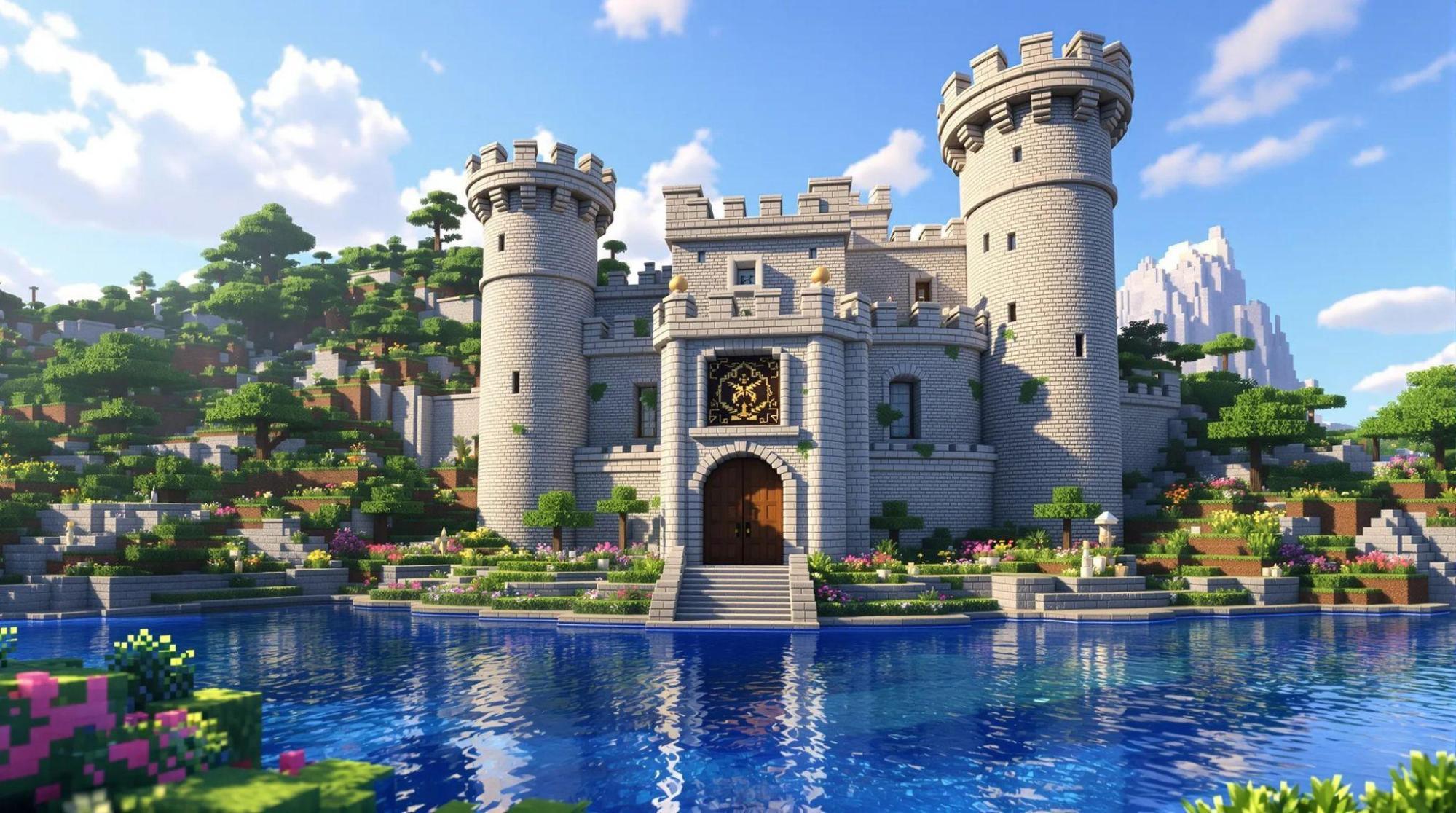
Creative Mode essentially turns Fortnite into a sandbox game, similar to Minecraft — but with Fortnite’s signature graphics, physics, and building system.
- How to Access Fortnite Creative Mode
Accessing Creative Mode is simple:
- Launch Fortnite.
- From the main menu, select the “Game Mode” option.
- Choose Creative.
- Hit Play, then select “Create” (to start your own island) or “Discover” (to explore maps made by others).
Once you’re in, you’ll be taken to the Creative Hub, your central gateway to imagination.
- Understanding the Creative Hub
The Creative Hub acts as your lobby or headquarters. It’s where you can access featured islands, friends’ maps, and your own creations. Epic Games frequently updates the hub with community picks and themed worlds, such as holiday or event-based designs.
Each portal in the hub leads to a different map or experience. Think of it as a virtual museum of player creativity — one where you can jump into any exhibit and explore instantly.
- Basic Building Tools and Controls
Before you start creating, you’ll need to master the building tools. Here are the key controls (default settings):
- Phone Tool: Used to copy, move, rotate, and delete objects.
- Inventory: Press “I” (or “Tab”) to open your asset library.
- Fly Mode: Double-tap the jump button to fly around freely.
- Grid Snap: Allows precise alignment when placing items.
- Prop Manipulation: Resize, rotate, and adjust object placement.
Tip: Start small — build a simple house or obstacle course to get comfortable with object placement and editing tools.
- Choosing and Customizing Your Island
When you create a new world, Fortnite lets you pick from various island templates, such as:
- Flat Grid Island – A blank slate perfect for beginners.
- Tropical Island – Great for adventure or exploration maps.
- Mountain Ridge – Ideal for racing or sniping arenas.
- Desert Canyon – A rugged environment for parkour courses.
You can also adjust your island’s settings, including:
- Time of day
- Gravity
- Player spawn points
- Building permissions
These customization options let you control the mood and gameplay experience for anyone visiting your world.
- Using the Device Gallery
Devices are the interactive elements that make your map come alive. They include:
- Triggers – Activate specific events or actions.
- Score Managers – Track player progress.
- Item Spawners – Drop weapons or collectibles.
- Teleporter Pads – Move players between areas.
- Timers and Counters – Add competitive elements.
Think of devices as your coding tools — no programming knowledge needed, just creative logic!
- Building Game Modes in Creative
With Creative Mode, you can design your own mini-games. Popular examples include:
- Deathruns – Obstacle courses with traps.
- Zone Wars – Simulated Battle Royale fights in smaller arenas.
- Prop Hunt – Hide-and-seek style games.
- Team Deathmatches – Classic shooter modes.
- Tycoon Games – Resource-based economic games.
By combining devices and design, you can turn your ideas into playable experiences shared across the world.
- How to Publish and Share Your Fortnite Map
Publishing is the easiest part of the process! Once you’re done creating the experience just select the option to publish it and after some time, if everything is up to par, your experience will be up and running, waiting for players to discover it and enjoy!
- Exploring Popular Creative Maps
If you’re not ready to build yet, start by exploring other creators’ work. Some trending Fortnite Creative maps include:
- 100-Level Default Deathrun
- The Pit (Free For All)
- Bed Wars Tycoon
- Mini Battle Royale Islands
- Escape Room Challenges
You can find codes for these maps online or directly through Fortnite’s Discover section.
- Tips for Building Like a Pro
- Plan Before You Build: It would be nice to have a good idea of what you want to create before you actually go into the game to start.
- Use Layers: a lot of beginners stick to just plain ground. Add some verticality!
- Experiment with Lighting: Set the right tone for your experience by adjusting the time of day and lighting intensity.
- Playtest Often: everything you fix might mean something else broke. Keep stress testing your experience to make sure everything works as intended.
- Get Feedback: go to a forum or invite your friends to try it! Some feedback can make all the difference.
Remember: The best maps focus on fun, flow, and fairness.
- Collaborating with Friends in Creative Mode
You don’t need to create experiences by yourself. One of the most fun features of Creative Mode is that you can invite friends that share your vision and work together! This teamwork can speed up large projects — one person designs terrain while another adds devices or decorations.
Enable this feature under “Island Permissions” so your team can edit freely.
- Common Mistakes Beginners Make
Even creative geniuses make rookie errors! Here are some to avoid:
- Overusing props (can cause lag).
- Forgetting to add spawn points.
- Ignoring map boundaries.
- Skipping playtests before publishing.
- Making maps too difficult or too easy.
Always test your island across different devices and player counts.
- Fortnite Creative 2.0 (UEFN) Explained
The devs later introduced Creative 2.0, which is also known as the Unreal Editor for Fortnite. This tool allowed you to play with a lot of Unreal Engine 5’s features so that your experiences could feel even more like a fully realized game.
Features include:
- Advanced lighting and physics
- Custom animations and sound design
- Scripting with Verse language
- Real-world scale environments
UEFN takes Creative Mode to the next level, bridging the gap between indie game development and Fortnite map design.
- Monetization: How to Earn from Your Maps
Creators can now earn money through Fortnite’s Creator Economy 2.0. Epic rewards players that made maps. It’s based on player engagement, so the better your map is, the more people play it, and the better the reward.
To qualify, you need to:
- Have a verified Epic Games account.
- Meet community standards.
- Publish quality maps that attract consistent traffic.
This has turned Creative Mode into a genuine career path for talented designers.
- Community and Inspiration Resources
Looking for inspiration or tutorials? Check out these resources:
- Epic Games Creator Portal
- YouTube channels like Mustard Plays and PWR Create
- Reddit’s r/FortniteCreative community
- Discord servers dedicated to Creative Mode
Learning from other builders will help you evolve faster and discover hidden tricks.
FAQs
Is Fortnite Creative Mode free to play?
Yes! All you need is a Fortnite account, and you’re ready to create!
Can I play Creative Mode offline?
No, you’ll need an internet connection, since all maps are stored online.
Can I collaborate with others across platforms?
Absolutely. Cross-platform play and collaboration are fully supported.
How do I get my map featured in Discover?
Focus on quality, originality, and optimization — Epic selects top-rated maps for promotion.
Final Thoughts
Saying Fortnite’s creative mode is just an “extra feature” would be a gross mischaracterization of what’s essentially the biggest tool for creative gamers that a game developer has ever gifted its audience.
With the immense amount of Fortnite accounts that there are out there, it’s no wonder there’s already so many great experiences created in almost every genre. From parkour fun to horror, there’s even probably a mix of the two already!
So what are you waiting for? Get into the game and make the experience you always wanted to play!