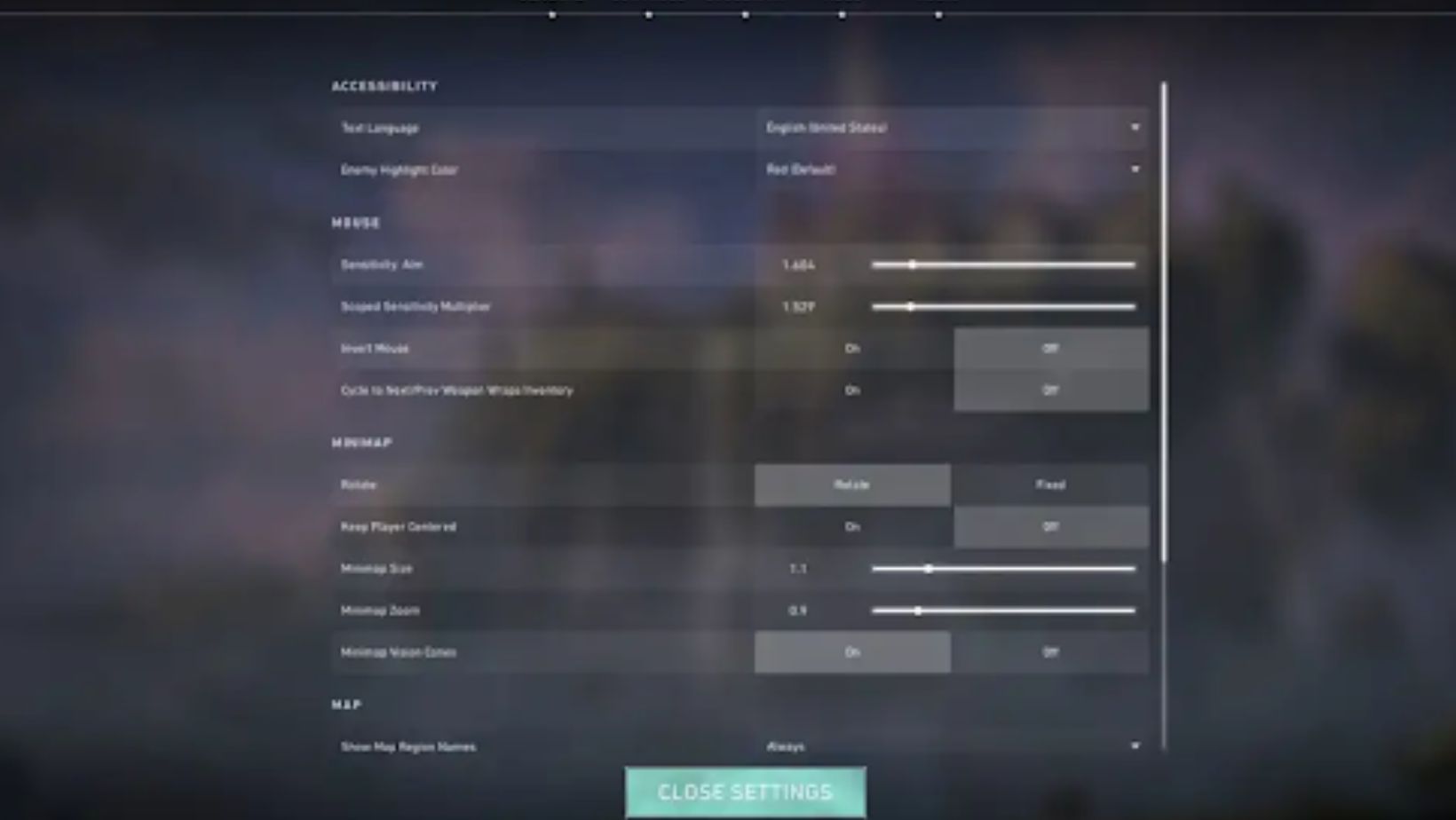
Finding the perfect sensitivity in Valorant can dramatically improve your headshot percentage and overall aim consistency. Many players struggle with sensitivity settings, constantly changing them and never finding their sweet spot. This guide explains how to find the best sensitivity for landing headshots consistently.
Understanding Sensitivity Basics
Sensitivity determines how far your crosshair moves relative to your mouse movement. In Valorant, this is measured by how many degrees your camera turns per inch of mouse movement (often called cm/360° or inches/360°).


Two key settings affect your sensitivity:
- Mouse DPI: Hardware setting on your mouse (typically 400, 800, or 1600)
- In-game sensitivity: Valorant’s sensitivity multiplier
Effective DPI (eDPI) = DPI × In-game Sensitivity
Example: 800 DPI × 0.4 sensitivity = 320 eDPI
This standardized number lets you compare sensitivities across different DPI settings.
What Pro Players Use
Analyzing professional Valorant players reveals a clear sensitivity range that optimizes headshot accuracy:
Pro sensitivity range:
- Low sens: 200-280 eDPI (requires large mouse movements)
- Medium sens: 280-400 eDPI (most popular range)
- High sens: 400-600 eDPI (minimal mouse movement needed)
Most common pro setup: 800 DPI with 0.35-0.45 in-game sensitivity (280-360 eDPI)
The vast majority of professional players use medium sensitivity because it balances:
- Precise crosshair control for headshots
- Sufficient turning speed for flicks
- Consistency across all engagement distances
Low vs High Sensitivity for Headshots
Low sensitivity (200-280 eDPI):
Advantages:
- Maximum precision for small adjustments
- Easier micro-corrections for headshots
- More consistent spray control
- Better for holding tight angles
Disadvantages:
- Requires large mousepad (at least 40cm wide)
- Slower 180-degree turns
- Harder to check corners quickly
- More physically demanding (larger arm movements)
High sensitivity (400-600 eDPI):
Advantages:
- Fast target acquisition and flicks
- Easy 180-degree turns
- Less physical strain (wrist aiming)
- Works with smaller mousepads
Disadvantages:
- Harder to make micro-adjustments
- Less consistent on small targets
- More prone to overshooting heads
- Shakier crosshair placement
The verdict for headshots: Medium sensitivity (280-400 eDPI) provides the best balance. You maintain precision for headshots while retaining enough mobility for Valorant’s fast-paced gameplay.
Finding Your Personal Sensitivity
Everyone’s ideal sensitivity varies based on grip style, arm length, mousepad size, and muscle memory from other games.
Step-by-step sensitivity finding process:
Step 1: Choose your baseline Start with 800 DPI and 0.4 in-game sensitivity (320 eDPI). This is the mathematical center of the pro sensitivity range.
Step 2: Test in Range Go to the Range and practice the following:
- Bot elimination medium difficulty (focus on headshots only)
- Flick between distant targets
- Track moving bots while strafing
Step 3: Adjust incrementally If crosshair feels too slow/fast, adjust in-game sensitivity by 0.02 increments:
- Too slow? Increase to 0.42, then 0.44, etc.
- Too fast? Decrease to 0.38, then 0.36, etc.
Step 4: Deathmatch testing Once Range feels comfortable, play 3-5 Deathmatches. Track your:
- Headshot percentage (aim for 30%+ in Deathmatch)
- Comfort during fights
- Ability to check corners and flick to enemies
Step 5: Commit for 2 weeks Once you find a comfortable sensitivity, stick with it for at least two weeks. Constant changing prevents muscle memory development.
Common Sensitivity Mistakes
Changing sensitivity too often: Many players change sensitivity after every bad game. This prevents muscle memory formation. Your brain needs 50-100 hours to fully adapt to a sensitivity.

Copying pro settings exactly: Just because TenZ uses specific settings doesn’t mean they’re optimal for you. Pro players have thousands of hours building muscle memory with their settings. Use pro settings as guidelines, not absolutes.
Going too high for “better flicks”: High sensitivity creates flashy flick clips but hurts consistency. Valorant rewards consistent headshots over occasional insane flicks. Medium sensitivity provides better long-term performance.
Using different sensitivities for different agents: Keep the same sensitivity across all agents and games. Consistency builds universal muscle memory that transfers everywhere.
The Account Progression Factor
Building aim consistency takes time and dedicated practice. Some players get frustrated with their progress and consider shortcuts. You might encounter sellers offering a valorant account with higher ranks or better stats, but this doesn’t transfer the muscle memory and aim skills needed to maintain that level. A purchased account with Platinum rank means nothing if your aim still performs at Gold level—you’ll derank immediately while wasting money.
Focus on developing your own skills with consistent sensitivity rather than trying to bypass the learning process.
Optimizing for Headshot Success
Arm vs wrist aiming:
Low-medium sensitivity (200-350 eDPI) = Arm aiming (using entire arm for movement) High sensitivity (400-600 eDPI) = Wrist aiming (primarily wrist movement)
For maximum headshots, arm aiming is superior:
- More precise control
- Less shaky crosshair
- Better for holding angles
- Easier micro-adjustments at head level
Mousepad requirements: Arm aiming requires at least 40cm horizontal mousepad space. If you only have small desk space, you’re forced into higher sensitivity and wrist aiming.
Additional Settings for Headshots
Raw input buffer: ON Reduces input lag between mouse movement and screen response.
Enhance pointer precision: OFF (Windows setting) This Windows feature adds acceleration—inconsistent for FPS games.
Mouse acceleration: OFF Acceleration makes muscle memory impossible. Disable in Windows and any mouse software.
Polling rate: 1000Hz Higher polling rate = more frequent position updates = smoother aim.
Testing Your Sensitivity
The 180-degree test: You should be able to do a 180-degree turn with one comfortable mouse swipe across your mousepad. If you can’t, your sensitivity is too low for Valorant.
The micro-adjustment test: In Range, aim at a bot’s head, then strafe left/right while keeping crosshair on head. If you consistently overshoot or undershoot the head during strafing, adjust sensitivity accordingly.
The crosshair placement test: If you can comfortably keep crosshair at head level while clearing angles, your sensitivity allows proper crosshair discipline.
Recommended Sensitivity by Rank
Iron-Silver: 320-400 eDPI (higher sens compensates for slower reaction times)
Gold-Platinum: 280-380 eDPI (developing consistency)
Diamond-Immortal: 260-350 eDPI (precision becomes critical)
Radiant: 240-320 eDPI (lowest average sensitivity, maximum precision)
Notice the trend: higher ranks generally use lower sensitivity for maximum headshot precision.
Final Recommendation
Start with 800 DPI and 0.38-0.42 in-game sensitivity (304-336 eDPI). This range works for 70% of players and provides excellent headshot potential while maintaining mobility.
Test this for 2 weeks minimum. Your headshot percentage should improve as muscle memory develops. Only adjust if you’re physically unable to turn fast enough or can’t make micro-adjustments for heads.
Remember: The best sensitivity is one you stick with long enough to build muscle memory. Consistency beats perfection. Choose a sensitivity in the pro range and commit to it!