
Trying to play video games on a MacBook might lead you to some problems, which leaves you with lackluster performance.
FPS drops, random crashes, and other issues are not ideal, to say the least, if you wish to enjoy video games on a Mac.


It helps if you have a relatively new computer, but what about those still using an older device — like a used MacBook Pro 2017? Should they give up on the idea of gaming?
Not necessarily. There are methods to optimize the device and boost its performance, and this article will tell you what you can do to make it happen. And do not discard the information below just because you have a brand-new Mac. The article should have useful pointers even for that, not to mention that you might need to work out some issues in the future.
Check the State of the Hardware
Let’s start with the MacBook’s hardware. One thing to get out of the way is the fact that you are unlikely to upgrade your computer’s hardware. MacBooks are not flexible when it comes to hardware modifications, which leaves users with no option but to stick to the original setup with a few exceptions depending on a MacBook’s model.
If you are unsure how to check the state of the hardware, look for tutorials. There are instructions for checking on your SSD health, battery, RAM, and GPU, to name a few examples.
It is likely that you are not tech-savvy enough to solve certain hardware problems yourself, which means that you will need to rely on technicians who specialize in fixing MacBooks.
Ultimately, the performance of your computer, including video games, depends on the hardware, and faulty components are expensive to replace, so you should look for opportunities to fix what you have right now so long as it is possible.
Clean the Dust Inside

When you play video games on a computer, it is common to notice that the device is overheating. Loud noises are also a thing, and the two issues are elevated when there is a demanding video game running in the background.
Of course, the whole thing becomes even worse when there is too much dust inside the computer. If you have not cleared the dust inside your MacBook for a while, it would be a good time to do this because the amount will continue to accumulate and cause further problems.
It is understandable if you do not want to clean the dust yourself because you are afraid of damaging the device. An alternative method is to find someone who specializes in cleaning the dust inside laptops and pay them to clean the dust for you.
As a rule of thumb, you want to make cleaning the dust a regular thing. Try to get the MacBook cleaned at least once every few months or so.
Get Accessories for Performance and Gaming
Investing in laptop accessories is a solid piece of advice. Even if you do not plan to play video games on a MacBook, something like a cooling pad is still a worthwhile investment because it provides a source of fresh air to cool off the laptop.
Other accessory examples include gaming mice, mouse pads, headphones, and keyboards. These accessories do not improve the MacBook’s overall performance directly, but they still add a different element to your gaming experience, and in a good way.
Keep an Eye on Startup and Background Items
Having redundant background processes hogging system resources is the opposite of what you want to see on a laptop while playing video games. In other words, the more system resources you can dedicate to the video game, the better it should perform.
To get rid of unnecessary background processes on a MacBook, launch Activity Monitor and sort items by resource usage. You can also check different types of computer resources to get a better idea.
In case you forget about closing applications after you finish using them, Activity Monitor should work as a reminder, so check it on a regular basis. What you can also do is disable startup items so that there are fewer apps on launch after you boot the MacBook.
Install Updates
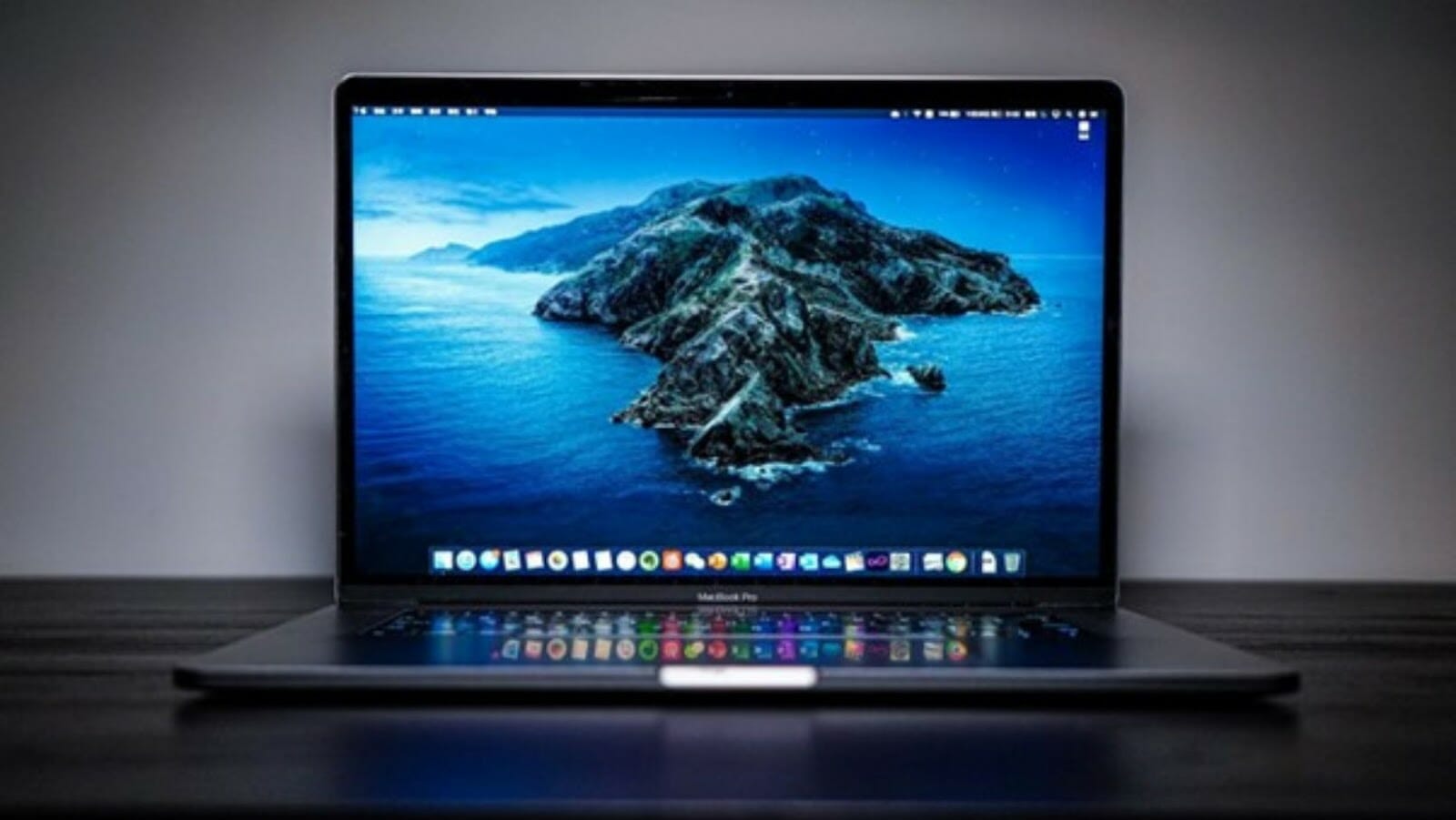
Operating system updates are not that frequent, but as soon as one becomes available, you should download and install it at your earliest convenience.
Missing a new macOS version means missing performance upgrades, security improvements, and the latest features. Your focus should be on the performance, but security breaches also affect how the computer runs.
After all, you do not want to deal with malware and other threats that prevent you from utilizing the MacBook to its fullest potential. In addition to updating the OS, you should also consider running reliable antivirus software for an extra security layer.