
Thinkofgames
  • Home
  • Minecraft
  • Gaming
  • Guides
  • About Us
  • Contact the Crew
No Result
View All Result
  • Home
  • Minecraft
  • Gaming
  • Guides
  • About Us
  • Contact the Crew
No Result
View All Result
Thinkofgames
No Result
View All Result

How to Prevent Back Pain from Playing PC Games

by Linda
July 12, 2023
in Gaming
How to Prevent Back Pain from Playing PC Games
Table of Contents Hide
  1. Effective Ways to Prevent Back Pain from Gaming
  2. Key Takeaways

Table of Contents

Toggle
        • Table of Contents Hide
    • Related articles
    • Personalization as a Core Element of Modern Gaming
    • Personalization as a Core Element of Modern Gaming
  • Effective Ways to Prevent Back Pain from Gaming
    • Stretching and Exercise: Keeping Your Back in Good Shape
    • Taking Regular Breaks
    • Choosing the Right Gaming Chair
  • Key Takeaways
Image3


Related articles

Personalization as a Core Element of Modern Gaming

Personalization as a Core Element of Modern Gaming

April 23, 2026
Personalization as a Core Element of Modern Gaming

Personalization as a Core Element of Modern Gaming

April 18, 2026

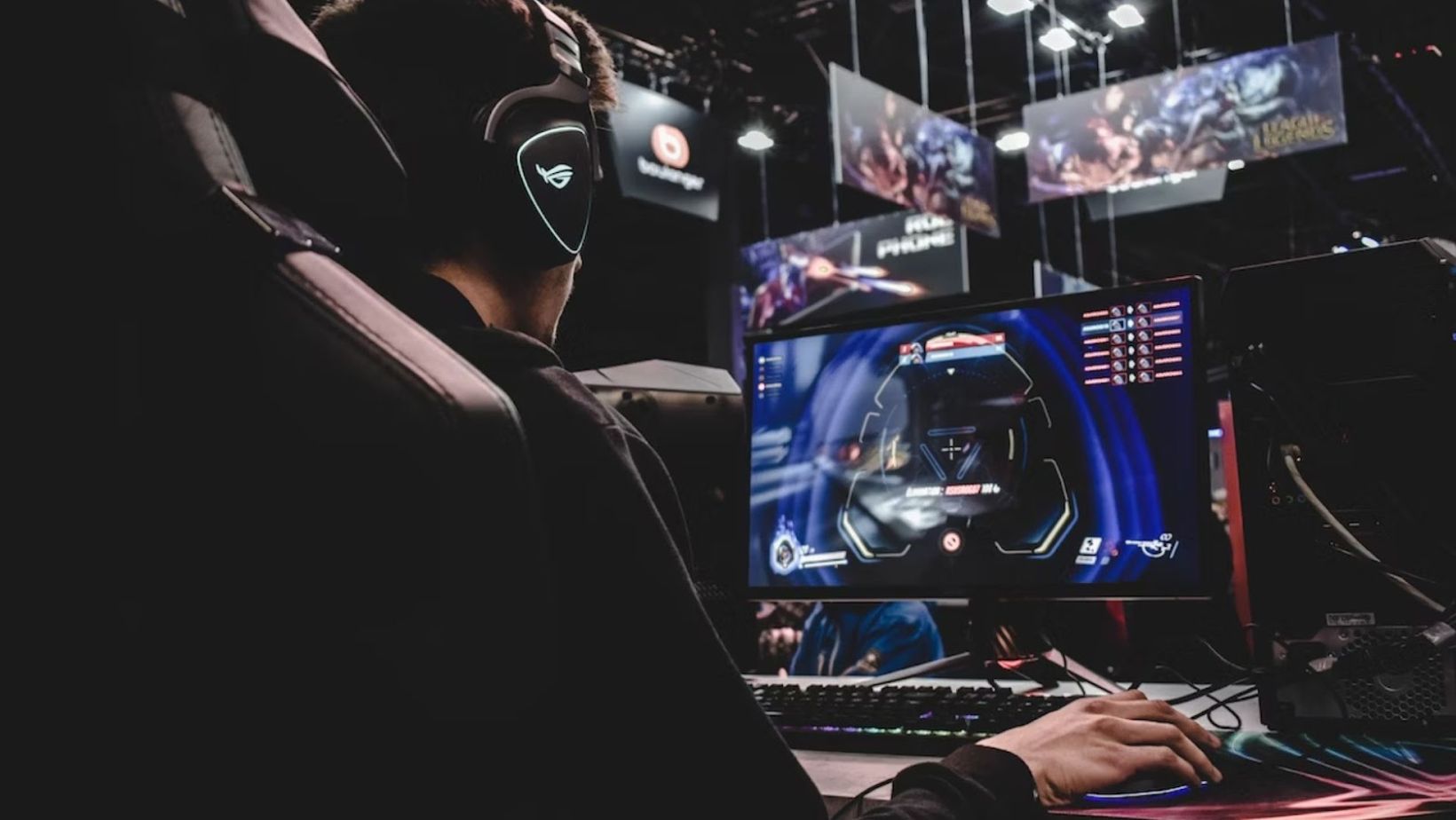
Engaging in thrilling virtual adventures and conquering epic challenges is a priceless joy for every gaming enthusiast. But a common challenge PC gamers experience, affecting their performance, is back pain.

Sitting for hours in intense game sessions is captivating and exciting but leads to fatigue and back pain.

This article will explore practical and easy-to-implement strategies to prevent back pain, so you can continue performing at the highest level.

Effective Ways to Prevent Back Pain from Gaming
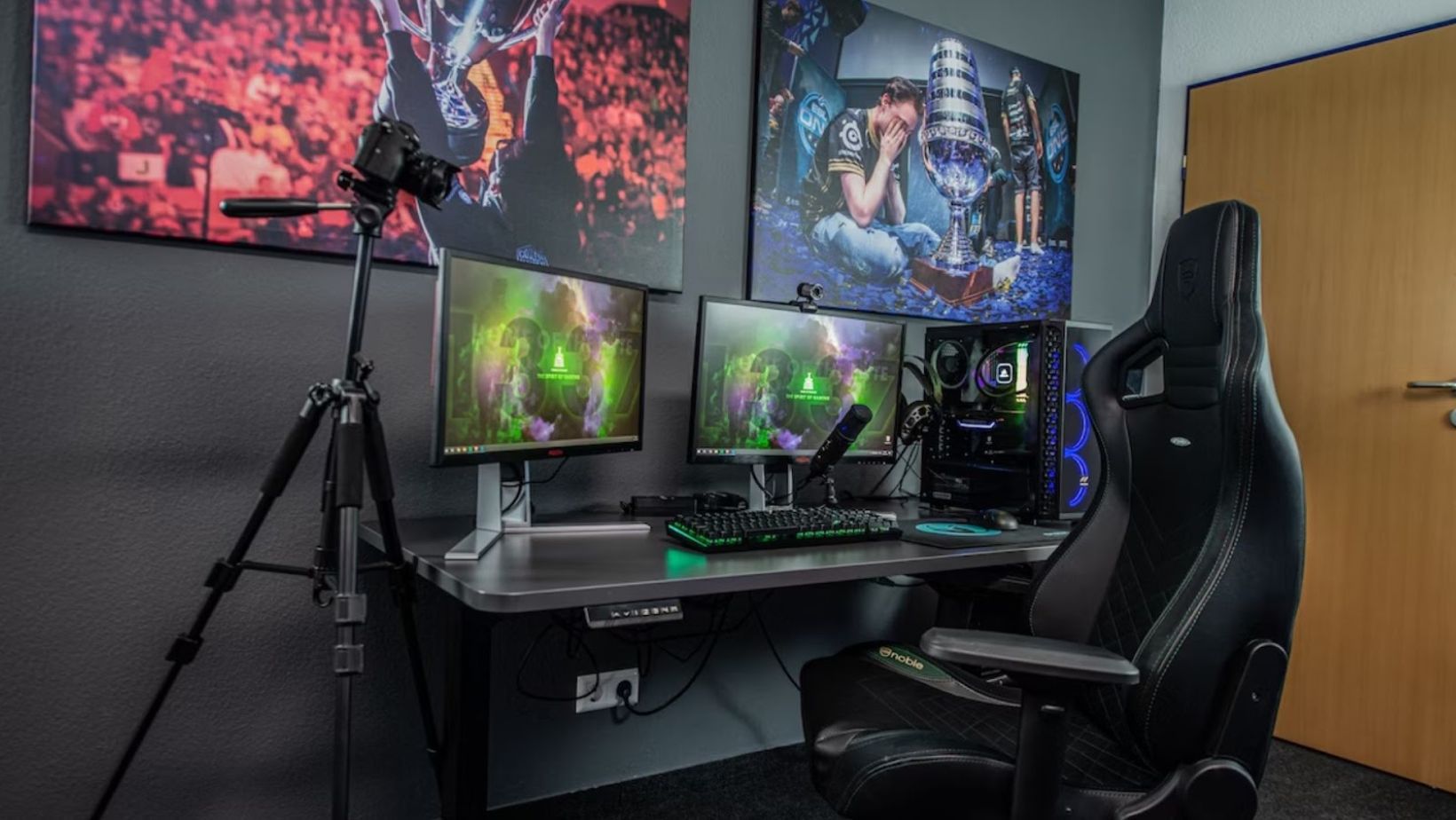
Image2

Ergonomics: Setting Up Your Gaming Station for Comfort

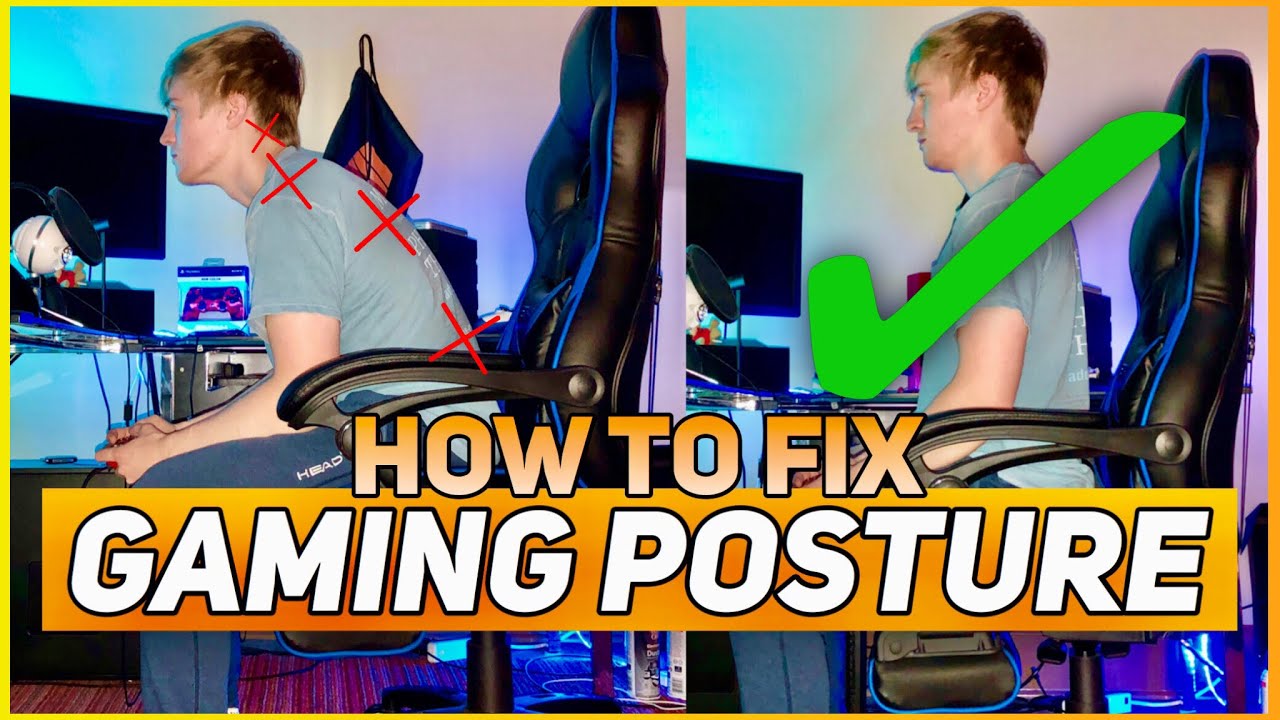
An ergonomic gaming station means your body parts are in a natural and resting position. It is essential for maintaining proper posture and reducing the risk of back pain. Consider the following tips:

  • Adjust the height of your chair so that your feet rest flat on the floor.
  • Ensure your knees are at a 90-degree angle and positioned directly over your ankles.
  • Keep your chair close to the desk to maintain a comfortable posture.
  • Set your desk at a height that allows your forearms to rest parallel to the ground while using the keyboard and mouse.
  • Position your monitor at eye level to prevent straining your neck and back.

The average height of a mid-sized gaming chair should be 47.9 to 49 cm. Use a cm to inch converter if your gaming chair manual has inch measurements.

Stretching and Exercise: Keeping Your Back in Good Shape

Regular stretching and exercise routines in your gaming schedule strengthen your back muscles and increase flexibility. It also boosts dopamine–a brain chemical that promotes focus and motivation. Try the following exercises:

  • Cat-Camel Stretch: Place your hands and knees on the floor, curve your back upwards like a cat, then lower it like a camel. Repeat this exercise to relieve tension in your back.
  • Seated Spinal Twist: Sit upright, cross one leg over the other, and gently twist your torso in the opposite direction, holding for a few seconds on each side.
  • Core Strengthening Exercises: Engage your core muscles with planks, bridges, or supermans.

Taking Regular Breaks

It’s easy to lose track of time and forget to give your back a break when indulging in a thrilling gaming session. However, taking regular breaks prevents back pain and maintains your overall well-being.
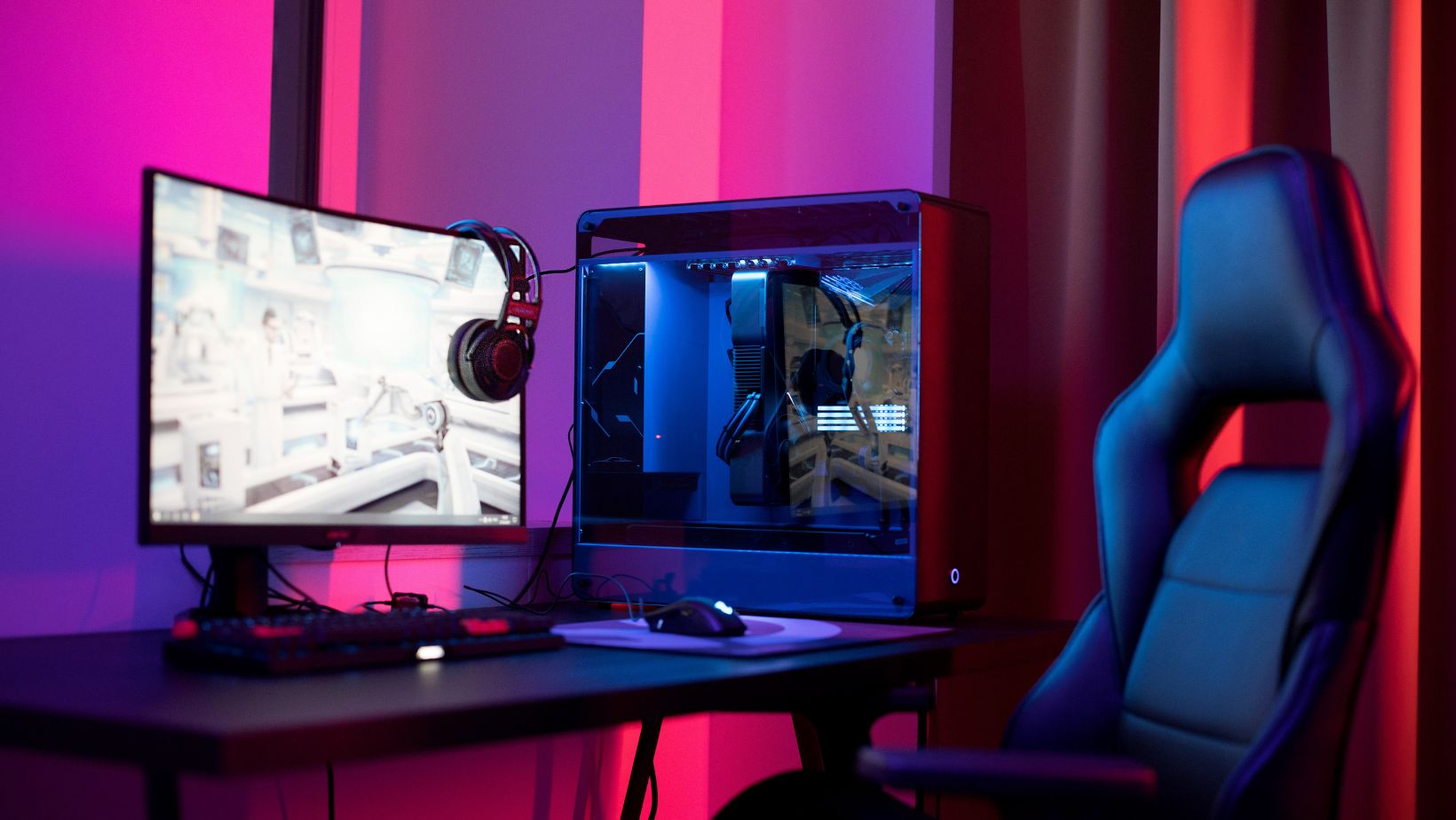
Image1

Taking breaks allows your muscles to relax and recover from the strain of sitting in the same position for extended periods. It promotes better blood circulation, reduces muscle tension, and prevents stiffness in your back.

Do this to incorporate breaks into your gaming routine:

  • Set reminders
  • Stand up and stretch
  • Walk

Choosing the Right Gaming Chair

The gaming chair significantly impacts your comfort and support while playing PC games. Invest in a chair that prioritizes ergonomics and offers proper back support. Consider the following factors when selecting a gaming chair:

  • Ergonomic Design: Look for a chair specifically designed with ergonomics in mind. Ergonomic chairs are designed to align with the natural curves of your spine and promote good posture.
  • Lumbar Support: Opt for a chair that offers adjustable lumbar support. This feature allows you to customize the level of support based on your individual needs. Proper lumbar support helps maintain the natural curvature of your lower back, reducing strain on your spine.
  • Cushioning and Padding: Look for high-density or memory foam padding that offers support and softness. Avoid chairs with thin or insufficient padding, as they can lead to discomfort and pressure points.
  • Adjustable Features: An ideal gaming chair should have adjustable features such as armrest height, seat height, and tilt mechanism. These adjustments help customize the chair to your preferred position, ensuring optimal comfort and support for your back.

Key Takeaways

Excelling at PC games is an essential triumph for gaming enthusiasts. You need comfort and physical wellness to perform at the highest level and conquer all challenges. The tips discussed above to prevent back pain will help you achieve that goal.

  • Set up an ergonomic gaming station by optimizing your chair height, desk position, and monitor placement to maintain proper posture.
  • Regularly practice stretching exercises and core strengthening routines to keep your back in good shape and improve focus.
  • Remember to take regular breaks to relax your muscles and reduce strain.
  • Choose a gaming chair with an ergonomic design, adjustable lumbar support, and adequate cushioning to provide optimal comfort and proper back alignment.

Total
0
Shares
Share 0
Tweet 0
Pin it 0
Share 0
Previous Post

Uncovering the Reality of the Rumors on Is Chrisean Rock on Drugs

Next Post

Choosing the Right Memorial Products at Norris Funeral Home Danville Va Obituaries

Related Posts

Personalization as a Core Element of Modern Gaming

Personalization as a Core Element of Modern Gaming

by Thalyrith Qylandrisp
April 23, 2026
0

Modern gaming is no longer built around a single, shared experience. Instead, it is shaped by personalization—systems that adapt gameplay,...

Personalization as a Core Element of Modern Gaming

Personalization as a Core Element of Modern Gaming

by Thalyrith Qylandrisp
April 18, 2026
0

Modern gaming is no longer built around a single, shared experience. Instead, it is shaped by personalization—systems that adapt gameplay,...

The Leading Slot Game Providers in 2026

The Leading Slot Game Providers in 2026

by Thalyrith Qylandrisp
April 17, 2026
0

Each year, new development studios enter the online casino industry with innovative ideas aiming to make a mark. As a...

Most Useful FC26 Skill Moves to Beat Any Defender

Most Useful FC26 Skill Moves to Beat Any Defender

by Thalyrith Qylandrisp
April 17, 2026
0

Breaking down stubborn defenders separates average FC26 players from elite competitors. The difference comes down to knowing which skill moves...

Purchase Ways to Sell RUST Skins for Real Money (Full Guide)

Purchase Ways to Sell RUST Skins for Real Money (Full Guide)

by Qyntharilx Vexandryth
April 17, 2026
0

If you’ve spent any time in Rust, you know that skins are collectibles, status symbols, and in some cases, real...

Load More
  • Trending
  • Comments
  • Latest

The Falconeer Achievement Guide (100% Complete)

May 12, 2021
Rust Console Update Today | January 2022 Major Update | New Changes Made | Download

Rust Console Update Today | January 2022 Major Update | New Changes Made | Download

December 31, 2021
Destiny 2 Vendetta Mission Walkthrough

Destiny 2 Vendetta Mission Walkthrough

February 11, 2021
The Best Rank 3 XYZ Monsters in Yu-Gi-Oh! –

The Best Rank 3 XYZ Monsters in Yu-Gi-Oh! –

August 15, 2021
The Apocalypse – Earthblood – Satisfyingly Brutal

The Apocalypse – Earthblood – Satisfyingly Brutal

0
All Easter Eggs & Pop Culture References

All Easter Eggs & Pop Culture References

0
How to summon and defeat the Elder in Valheim

How to summon and defeat the Elder in Valheim

0
15 Most Mysterious Anime Characters Of All Time –

15 Most Mysterious Anime Characters Of All Time –

0
Why Slot Entertainment Continues To Move Forward

Why Slot Entertainment Continues To Move Forward

April 24, 2026
The Future of iGaming Platforms: Blockchain, AI, and Automation

The Future of iGaming Platforms: Blockchain, AI, and Automation

April 24, 2026
Personalization as a Core Element of Modern Gaming

Personalization as a Core Element of Modern Gaming

April 23, 2026
How Betting Platforms Use Streaks and Rewards To Keep Players Engaged

How Betting Platforms Use Streaks and Rewards To Keep Players Engaged

April 23, 2026
  • Home
  • Privacy Policy
  • Terms and Conditions
  • About Us
  • Contact the Crew
  • From Reviews to Real-Time Play: Transforming Game Content Platforms Into Interactive Ecosystems
    • Over 50% of Canadian Gamers Play on Smartphones
      • What Are The Benefits of Joining An Online Gaming Community?

        © 2026 Think Of Games
        8832 Whispering Pines Court, Frost Creek, CO 80435

        No Result
        View All Result
        • Home
        • Gaming
        • Guides
        • Minecraft
        • About Us
        • Contact the Crew

        © 2026 Think Of Games
        8832 Whispering Pines Court, Frost Creek, CO 80435