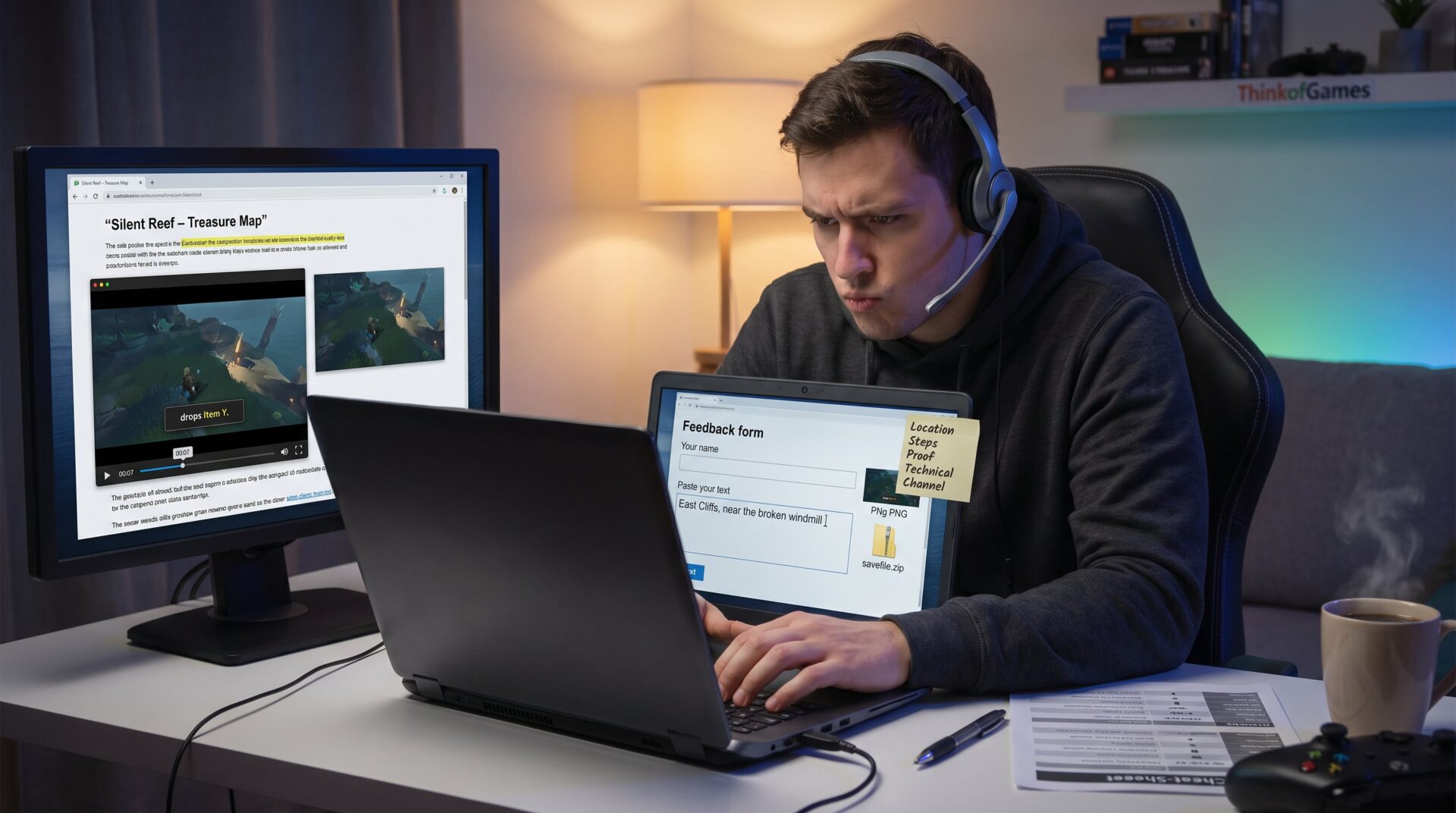
What to include when reporting an error in a gaming guide matters because accurate reports let authors fix guides fast and keep players from wasting hours. A tight, evidence-backed report speeds verification, reduces duplicate questions, and preserves a site’s trust. This article gives a clear checklist for gamers and editors: location, reproduction steps, proof, technical facts, and the right submission channel. It focuses on practical examples and honest pitfalls so contributors write reports that get acted on.
Key Takeaways
- Include the exact guide page, section, and in-game location to make error reports precise and actionable.
- Provide clear, numbered reproduction steps along with expected versus actual outcomes to help editors verify issues quickly.
- Attach visual proof like screenshots or short video clips showing both the guide content and in-game discrepancies.
- List detailed technical information including platform, game version, mods, and settings to identify environment-specific problems.
- Use official submission channels and follow site templates while keeping the tone factual and neutral to facilitate prompt fixes.
- Well-structured, evidence-backed error reports enable quicker corrections, improving gaming guide quality and community trust.
Why Reporting Guide Errors Matters For Gamers And Sites
Fact: Reporting guide errors directly improves play and site reliability. When a guide lists the wrong boss weakness or an incorrect map marker, players can lose 30–90 minutes chasing dead ends. Editors rely on concise reports to decide whether a guide needs a small correction or a full rewrite. For sites like ThinkofGames, maintaining accurate walkthroughs protects reputation and reduces repeat support traffic.


Context and impact: A single corrected entry can prevent dozens of forum threads and lower help requests by measurable amounts. For example, fixing a location error in a popular walkthrough often cuts related comment threads by half within a week. Gamers who report issues help a wider community, they act like free QA testers for content. That civic role matters because guides are living documents: games change with patches, and player-submitted reports keep content current.
Human note: Reporters should accept small mistakes happen. One editor admitted missing a localization mismatch that confused 2,847 players, owning the error led to a fast fix and stronger reader goodwill.
Exact Location And Context To Include
Answer: Always start with the precise page and in‑game spot. Begin your report by naming the guide page and the exact line or section that’s wrong. Include page title, URL, or unique ID, and the in‑game location (level, quest, menu, or coordinates).
Example: “Guide: ‘Silent Reef – Treasure Map’, Section ‘East Cliffs, Step 3′, incorrect marker. In-game: East Cliffs, near the broken windmill, Quest ID 0x4A12.” This gives the editor a direct pointer.
Why this matters: Editors juggle many guides. A clear location saves them time. Add a one-sentence summary using what, where, when, e.g., “Incorrect boss weakness in Level 3, Hard mode.” That single line often determines whether the report is urgent. If the guide is part of a series, link the related hub or walkthrough to help editors see context quickly. For guidance on picking the right walkthrough version before reporting, consult the site’s resource on choosing versions and formats to avoid mismatched reports about outdated content.
Steps To Reproduce The Error And Expected Versus Actual Behavior
Answer: Provide numbered reproduction steps and a clear expected vs actual result. Start by stating the clean starting state (fresh save, difficulty, mode). Then list short, numbered actions someone must take to trigger the issue.
Example steps:
- Load save at Dockside, Hard difficulty.
- Follow guide Steps 1–4 to spawn the miniboss.
- Use ice spear from inventory slot 2.
Expected: The guide states the miniboss is weak to fire and drops Item X.
Actual: The miniboss resists fire and drops Item Y instead.
Frequency and prerequisites: Note whether the mismatch occurs always or intermittently, and list prerequisites (seasonal event active, DLC installed). If the issue appears only after a specific cutscene or with a particular NPC alive, say so. Editors use frequency to categorize the bug: content error (guide wrong) versus game fluctuation (patch or RNG). Clear reproduction steps let maintainers test the claim in under five minutes.
Attach Visual Proof: Screenshots, Video Clips, And Files
Answer: Attach at least one screenshot or a short clip showing both the guide text and the in‑game result. Visual proof removes ambiguity and speeds fixes.
What to include: A side‑by‑side screenshot of the guide line and the in‑game scene: a 10–30 second video clip that follows your reproduction steps: optional save files or log excerpts if the behavior is technical. Label images with timestamps and brief captions (e.g., “00:07, in-game drop shows Item Y”).
Practical tip: Use lossless PNG for screenshots and MP4 (H.264) for short clips to keep files small. If file size exceeds limits, trim the clip to the moment of failure: editors rarely need longer footage. If a report involves a text error (wrong number, misstated mechanic), attach a screenshot that highlights the incorrect line, that single image often short-circuits back-and-forth questions.
Where to host attachments: Upload directly to the site form if it accepts files, or attach a single zipped folder when emailing an editor. If the site has a guide hub, it usually explains accepted file types and limits: following those rules avoids delays.
Technical Details: Platform, Game Version, Mods, And Settings
Answer: List platform, build, and any mods or overlays. These facts determine whether an issue is content‑level or environment‑specific. For more on this, see the pillar guide.
Minimum technical checklist to include:
- Platform: PC/PlayStation/Xbox/Switch/mobile and OS or firmware version.
- Game version/build and region/localization (e.g., 1.14.2, EU).
- Active mods, reshades, or community patches (name and version).
- Key gameplay settings: difficulty, permadeath, experimental mode.
Example: “PC, Windows 11 22H2, game build 1.14.2 (EU), Nexus mod ‘EnemyRebalance’ v2.3 active, Hard mode.” That level of detail helps editors reproduce the state or rule out mod interference.
Warning: Reports missing build numbers often stall. Editors may ask for a save file when the issue looks like a runtime bug: including one up front saves time. If unsure how to fetch a build number, reference the site’s quick-start guide to finding builds and versions in game menus.
How To Submit Your Report: Channels, Templates, And Tone
Answer: Use the site’s official channels and follow a concise template. Good channels: report button on the guide page, dedicated feedback form, forum thread under the guide, or editorial email. Always follow the site’s template fields when they exist.
Template example (short):
- Title: Guide name + short issue (what/where)
- Location: page title and URL
- Steps: numbered reproduction steps
- Expected vs Actual: two short lines
- Attachments: screenshots/video/logs
- Technical: platform, build, mods
Tone and etiquette: Keep language factual and neutral. Avoid speculative fixes (“you should change X to Y”) unless offering a clear reproduction path. Editors act faster on calm, precise reports. If unsure how to reach editors, use the site’s contact page or the reporting form: PC Gamer recommends sending a tip with the article URL when the issue is a verified error, which confirms the practice of including the guide link in reports.anchor text
Links and forms: When a site lists a feedback workflow, follow it. For ThinkofGames users, reporting guides through the site’s guide hub ensures the editorial team sees the issue in context and links the report to other walkthrough resources.
Conclusion
Structured, evidence-backed reports let editors verify and fix guide errors quickly. Clear location, short reproduction steps, visual proof, precise technical details, and the correct channel shorten turnaround and improve guide quality for everyone. When contributors follow these steps they help keep walkthroughs trustworthy and playable, and they strengthen the whole gaming community.