Gaming in 2025 isn’t just about who’s got the fastest reflexes—it’s about who’s making the smartest choices behind the scenes.
With new releases hitting harder than ever, and PC ecosystems more complex, knowing how to tweak your setup, optimize performance, and stay ahead is no longer optional—it’s essential.


In this guide, we’ll share practical tricks every PC gamer should know to boost performance, protect your sessions, and level up your play without wasting hours on guesswork.
1. Optimize Your In-Game Settings (The Right Way)
Before you look at external tools or hardware upgrades, your first stop should always be the game’s internal settings. These don’t just impact visuals—they directly influence performance and responsiveness.
What to Tweak First:
- Resolution & Display Mode: If you’re struggling with frame rate, try switching from fullscreen borderless to exclusive fullscreen and consider dropping from 1440p to 1080p.
- Refresh Rate Cap: Match your FPS cap to your monitor’s capabilities (e.g., 144Hz or 165Hz).
- V-Sync & G-Sync/Freesync: V-Sync reduces tearing but increases input lag; only use it if you’re seeing screen tearing.
- Field of View (FOV): Wider FOV = more visibility but more GPU demand. Use moderate FOV unless you’re playing competitive shooters.
Recommended Defaults for Performance-Focused Players:
- Turn off motion blur, film grain, and chromatic aberration.
- Set shadows, reflections, and post-processing effects to medium or low.
- Keep textures on medium unless your GPU has 8GB+ VRAM.
These small changes can help you gain smoother, faster gameplay even on mid-tier systems.
2. Use a VPN to Improve PC Gaming Performance
This one’s underrated but increasingly essential—especially in multiplayer gaming.
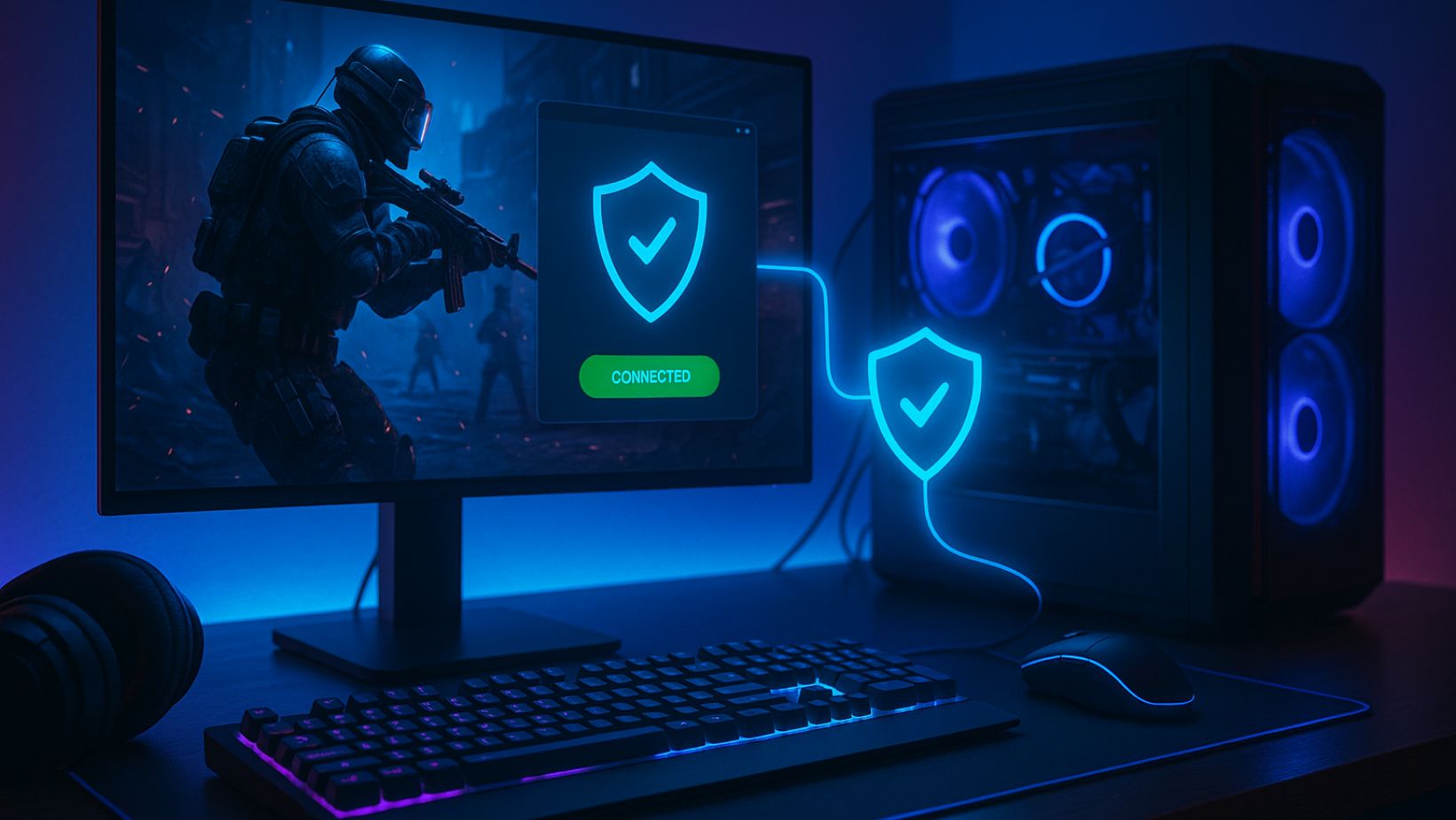
Using a trusted VPN for PC can help gamers improve online performance while staying protected. It isn’t just about privacy anymore. It’s a smart tool that used by savvy gamers.
Benefits of Using a VPN for Gaming:
- Reduce Ping: By routing traffic through more direct server paths, a VPN can lower latency in some regions.
- Avoid ISP Throttling: Some internet providers slow down gaming traffic during peak hours. A VPN hides your traffic type, helping you avoid these slowdowns.
- Access Global Game Servers: Want to play with friends in another country or try games with staggered regional releases? A VPN lets you do that legally.
- Protection from DDoS Attacks: Especially important for ranked matches or Twitch streamers who might be targeted.
When a VPN Helps Most:
- Playing fast-paced multiplayer games (e.g., Apex Legends, Valorant, Warzone)
- Connecting to global multiplayer lobbies
- Using public or shared Wi-Fi networks (e.g., in dorms or hotels)
Setup Tips:
- Choose a VPN with dedicated gaming or low-latency servers.
- Avoid free VPNs; they often throttle speed and increase ping.
- Test multiple server locations to find the best route for your game’s region.
VPNs aren’t magic, but for many PC players, they’re a hidden weapon for stability and freedom.
3. Streamline Startup Programs and Background Tasks
Even powerful PCs can feel sluggish if they’re overloaded with startup programs and background apps eating up RAM and CPU cycles.
How to Clean Things Up:
- Task Manager → Startup Tab: Disable everything you don’t need launching at boot.
- Settings → Apps → Startup: Check for hidden background apps like Discord auto-starting with overlays.
- Use “MSConfig” or Autoruns (by Sysinternals): Advanced tools that show everything loading in the background.
Real Impact:
Reducing background clutter can free up 10–30% of system memory and reduce CPU spikes during gaming sessions.
4. Install and Use Performance Tools That Gamers Trust
Once you’ve optimized your basic settings, there are several third-party tools that help monitor, manage, and maximize gaming performance.
Must-Have Tools for 2025:
- MSI Afterburner: Control your GPU’s clock speeds, monitor temperatures, and enable custom fan curves.
- CapFrameX: Benchmark and track frame time data to troubleshoot stuttering or FPS inconsistency.
- LatencyMon: Identify whether your audio or network drivers are causing spikes or lag.
- ExitLag / NoPing: Gaming network optimizers that act like VPNs for specific game traffic—popular for MMOs and shooters.
Are These Safe?
Yes—just download them from official websites. Avoid YouTube “free tweak packs” which often contain bundled malware or shady installers.
5. Keep Your GPU Drivers and Firmware Updated
Many gamers forget that outdated drivers—especially for GPUs—can cause massive compatibility and performance issues in newer games.
Driver Update Best Practices:
- GPU Drivers: Update every 4–6 weeks using GeForce Experience (NVIDIA) or Adrenalin (AMD).
- Windows Updates: Keep OS security and performance patches up-to-date.
- Chipset and BIOS: Especially if you recently upgraded hardware or noticed USB issues.
Bonus Tip:
Use Display Driver Uninstaller (DDU) to completely remove older GPU drivers when switching between AMD and NVIDIA cards or resolving driver conflicts.
6. Join Communities Where Smarter Gamers Hang Out
Being a smarter gamer isn’t just about what you know—it’s about where you learn it. Online communities often have custom configs, hidden fixes, and early access tricks not available in official guides.
Most Platforms to Learn From:
- ThinkOfGames.com: Guides, walkthroughs, and opinion pieces that stay grounded in what gamers actually need.
- Reddit (e.g., r/pcgaming, r/Steam, r/buildapc): Real-time troubleshooting, performance mods, and setup photos.

- Discord Servers: Most games have official or fan-run servers with high-skill users sharing performance tweaks.
- YouTube (selectively): Use only trusted tech reviewers—look for creators who disclose sponsorships and avoid “super secret” tweak claims.
You don’t need to follow trends blindly, but knowing where to find smart strategies can elevate your gaming without spending more money.
7. Practice Good Hardware Hygiene
A high-spec PC won’t perform like one if it’s overheating, dusty, or clogged with unnecessary software. Maintenance is as much a part of performance as specs.
Checklist Every Gamer Should Follow:
- Clean your fans and intake filters monthly
- Reapply thermal paste every 1–2 years (if you’re comfortable opening your rig)
- Use HWMonitor or CoreTemp to keep an eye on CPU and GPU temps
- Avoid placing your PC near heaters, windows, or floor-level carpets
Preventive care can extend the life of your system and avoid sudden performance drops due to thermal throttling.
8. Bonus: Build a Smarter Gaming Setup in 2025
If you want to invest a bit, small upgrades can create big changes in your daily gaming flow.
Easy Wins:
- Upgrade to an NVMe SSD: Speeds up boot times and loading screens dramatically.
- Switch to a 144Hz+ monitor: Makes a bigger difference than you’d expect in shooters.
- Use a wired Ethernet connection: Removes latency spikes from unstable Wi-Fi.
- Buy a mechanical keyboard and wired mouse: Input delay matters, especially for fast-paced games.

These upgrades don’t require a full rebuild, but they can help you stay competitive and comfortable.
Final Thoughts: Smart Choices Make Better Players
Gaming smarter in 2025 isn’t about throwing more money at the problem—it’s about knowing what to change, what to install, and when to upgrade.
From optimizing your settings and system to using tools like a VPN for PC to ensure smoother, more secure online play, each step you take adds up. Think of it as assembling your personal performance toolkit.
The more you understand your setup and environment, the less your hardware holds you back—and the more fun you’ll have in every match.