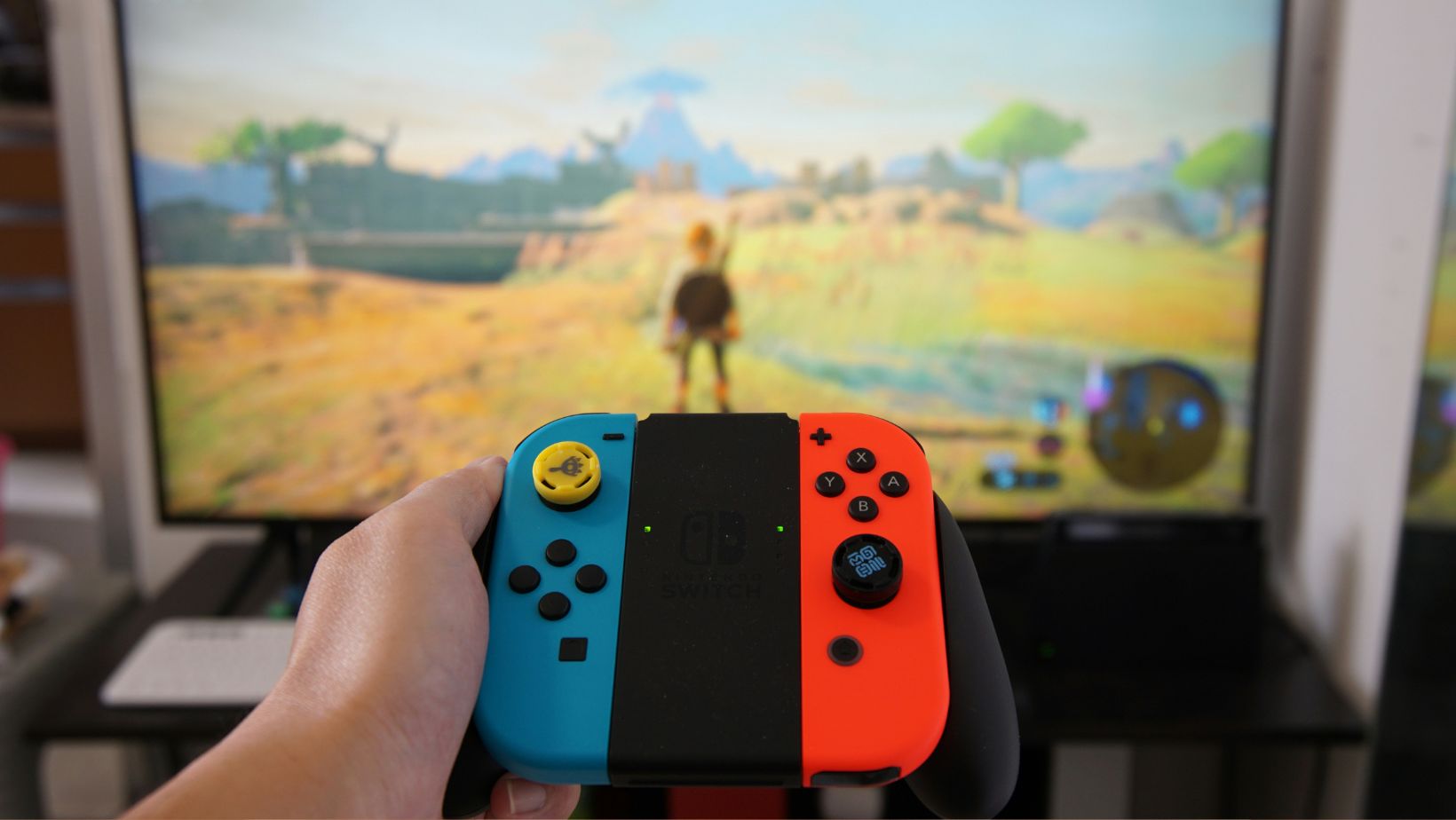
The Nintendo Switch is a versatile and powerful gaming console, but like any piece of technology, it benefits from a bit of optimization. Whether you’re a seasoned gamer or new to the console, these tips will help you get the most out of your Nintendo Switch. From improving performance to extending battery life and enhancing gameplay, here’s how to optimize your Nintendo Switch for the best gaming experience.
Improving Performance
Keep Your Software Updated
One of the simplest yet most effective ways to ensure your Nintendo Switch is running smoothly is by keeping the software updated. Nintendo regularly releases updates that improve system stability, add new features, and fix bugs. To check for updates:


- Go to the Home menu and select “System Settings.”
- Scroll down and select “System.”
- Select “System Update” and follow the prompts.
Manage Your Storage
Running out of storage can slow down your Nintendo Switch. Keep your system running efficiently by managing your storage space:
- Delete Unused Games and Apps: Go through your library and delete any games or apps you no longer use. You can always re-download them later from the eShop.
- Use a MicroSD Card: Invest in a high-capacity microSD card to expand your storage. The Switch supports up to 2TB microSD cards, allowing you to store more games and data without affecting performance.
- Archive Games: If you don’t want to delete a game entirely, you can archive it. This removes the game data from your system but keeps the icon on your Home menu, allowing you to re-download it quickly if you want to play it again. Similarly, if you’re looking to invest real money casinos, you can explore various platforms, keeping track of the ones you prefer without fully committing right away.
Clear the Cache
Over time, cached data can accumulate and slow down your system. Clearing the cache can help improve performance:
- Go to “System Settings” from the Home menu.
- Select “System” and then “Formatting Options.”
- Choose “Clear Cache” and select the user profile for which you want to clear the cache.
Extending Battery Life
Adjust Screen Brightness
The screen brightness of your Nintendo Switch can significantly impact battery life. Lowering the brightness can help extend your gaming sessions:
- From the Home menu, go to “System Settings.”
- Select “Screen Brightness” and adjust the slider to a lower level.
Alternatively, you can enable “Auto-Brightness” to let the system adjust the brightness based on your surroundings.
Enable Airplane Mode
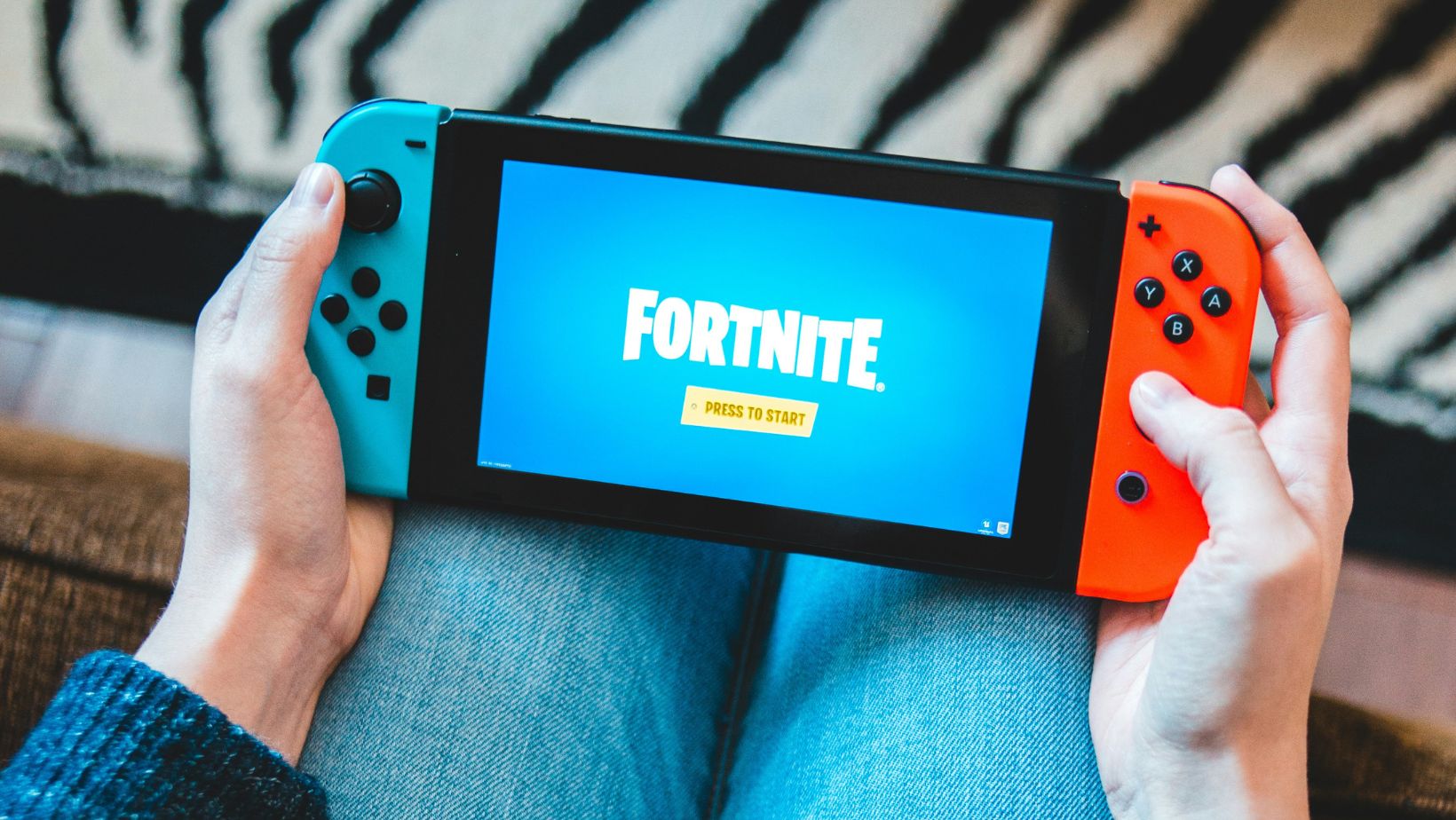
When you’re playing single-player games or don’t need an internet connection, enabling Airplane Mode can save battery life by turning off wireless communication: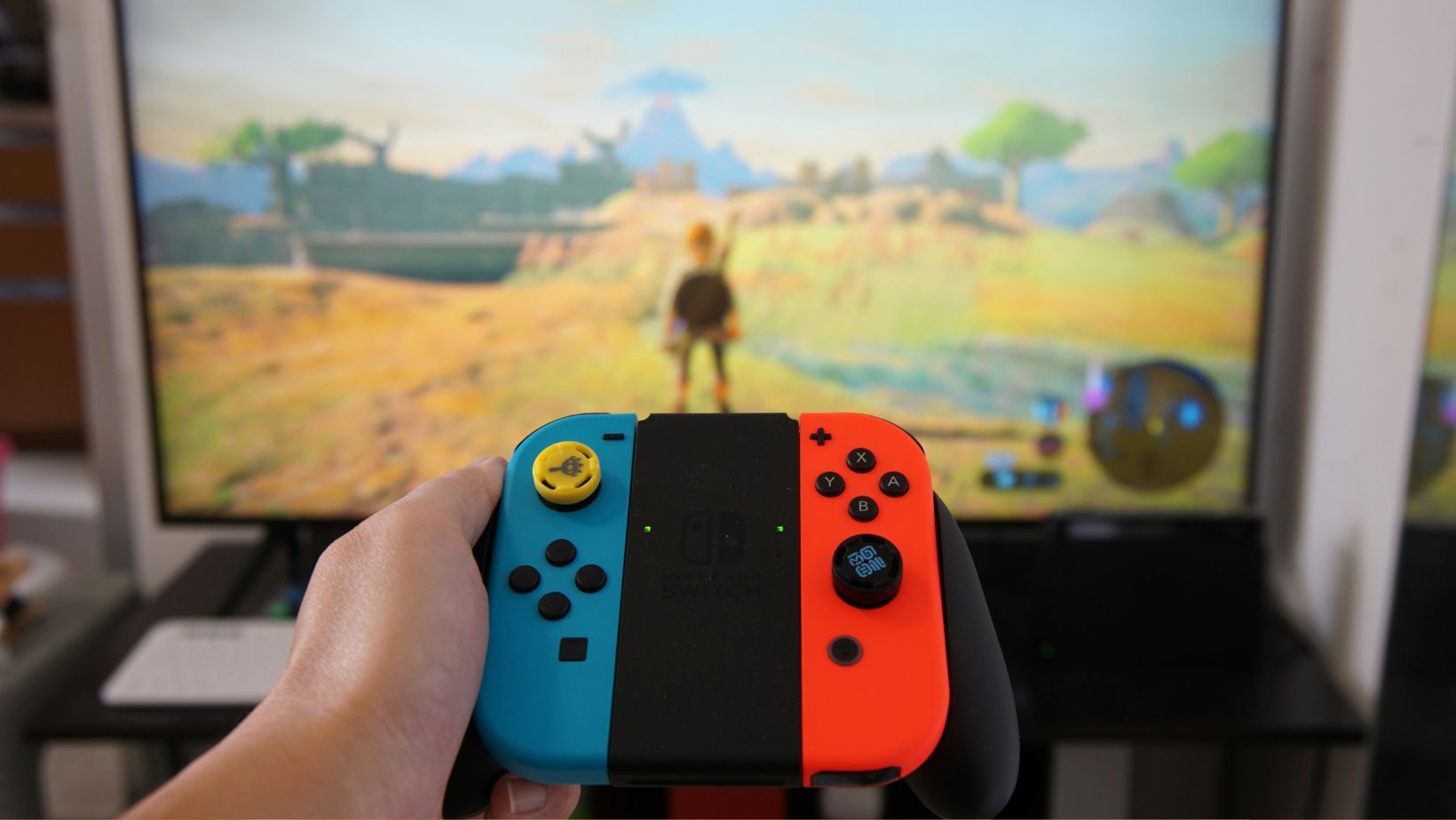
- From the Home menu, go to “System Settings.”
- Select “Airplane Mode” and toggle it on.
Keep in mind that this will disable all wireless functions, including online play and Bluetooth controllers.
Manage Sleep Mode Settings
Adjusting your Sleep Mode settings can also help conserve battery life:
- Go to “System Settings” from the Home menu.
- Select “Sleep Mode.”
- Adjust the “Auto-Sleep” settings for both handheld mode and TV mode to shorter intervals.
Enhancing Gameplay
Customize Controller Settings
Customizing your controller settings can greatly enhance your gameplay experience. The Nintendo Switch allows you to remap buttons and create custom profiles for different games:
- From the Home menu, go to “System Settings.”
- Select “Controllers and Sensors.”
- Choose “Change Button Mapping” and customize your controller layout.
You can save different configurations and switch between them depending on the game you’re playing.
Use a Pro Controller
While the Joy-Cons are convenient and versatile, a Pro Controller offers a more traditional and comfortable gaming experience, especially for longer sessions. The Pro Controller features better ergonomics, larger buttons, and a more robust build, which can improve your gameplay, particularly in action-heavy games.
Invest in a Good Headset
Sound quality can make a significant difference in your gaming experience. Investing in a good headset can enhance immersion and provide clearer audio cues, which is especially important in competitive games. Look for a headset with a built-in microphone if you play online multiplayer games to communicate with your teammates.
Optimize Your Network Settings
For the best online gaming experience, optimizing your network settings is crucial:
- Use a Wired Connection: If possible, use a wired Ethernet connection for a more stable and faster internet connection. You can use a USB-to-Ethernet adapter with the Switch dock.
- Check Your NAT Type: A more open NAT type (A or B) will improve your connection to other players. You can check and change your NAT type in the “Internet Settings” menu.
- Update Your Router Firmware: Keeping your router’s firmware up to date can improve your network performance and security.
Take Advantage of Cloud Saves
Cloud saves are a lifesaver if something happens to your console. Nintendo Switch Online members can back up their saved data to the cloud, ensuring that your progress is never lost:
- From the Home menu, go to “System Settings.”
- Select “Data Management” and then “Save Data Cloud Backup.”
- Choose “Settings” and enable “Automatic Save-Data Backup.”
This way, your game progress is always safe and can be restored to a new console if needed.
Utilize Parental Controls
If you share your Switch with family members, utilizing parental controls can help ensure a better gaming experience for everyone. You can set playtime limits, restrict content based on age ratings, and manage online interactions:
- From the Home menu, go to “System Settings.”
- Select “Parental Controls” and follow the prompts to set up the controls according to your preferences.
By customizing these settings, you can create a safer and more tailored gaming environment for younger players while keeping your own experience uninterrupted.
Final Words
Optimizing your Nintendo Switch for the best gaming experience involves a combination of maintaining system performance, extending battery life, and enhancing gameplay through various settings and accessories. By following these tips, you can ensure that your Switch runs smoothly and provides you with countless hours of enjoyable gaming. Whether you’re battling it out in the latest action title or exploring a vast RPG world, these optimizations will help you get the most out of your Nintendo Switch.