Valorant has been a game that has constantly been improving itself since its debut in 2020. We can say that Valorant, developed by Riot Games, has reached the point where it will almost compete with CSGO in 2021. Due to the competitive nature of the game, many players strive to reach higher ranks. Moreover, its classic MMR and competitive structure offer a fair gaming experience. However, many players are looking for pro-player settings to improve their skills.
In our article today, we will try to list the best settings you can do for Valorant. We will share with you many details such as Mouse, Video, and Crosshair. If you are ready now, let’s get started and take a quick look at the details of our article.


Most Used Valorant Mouse Settings
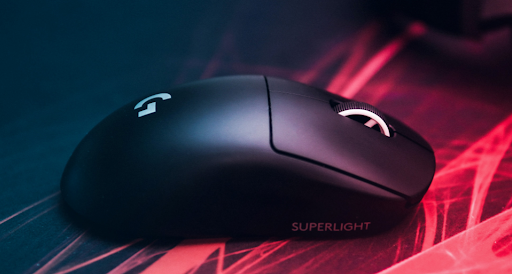
Mouse settings and sensitivity vary from person to person. However, in general, there are stable settings that most people use. Furthermore, you can adjust the in-game mouse sensitivity in Valorant. In addition, you can uniquely adjust the DPI and eDPI settings of your mouse via the computer.
Beginner players may prefer to use a high-sensitivity mouse. Hence, most professional players prefer the opposite. Since they have developed enough, they have adopted a wider use of the mouse. However, low mouse sensitivity may be a good choice for beginners.
Beginner
- DPI: 400-800
- eDPI: 300
- Polling Rate: 1000
- In-game Sensitivity: 0.5 – 0.8
- Scoped Sensitivity: 1.2
- Windows Sensitivity: 6
Advance
- DPI: 800 – 1000
- eDPI: 300
- Polling Rate: 500
- In-game Sensitivity: 1.5 – 2.5
- Scoped Sensitivity: 2
- Windows Sensivity: 6
Valorant Crosshair Settings
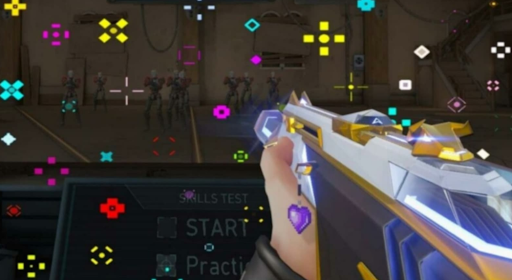
Just like the Mouse settings, the crosshair is also dependent on the player’s own choices. It’sIt’s important to adopt crosshairs that appeal to your eyes and suit your playstyle. However, in general, players prefer smaller and darker crosses.
Because it is easier to target the opponent with headshots with small crosses, in addition, you do not need to make it too small; then, you can lose the cross. In hot conflict moments, when adrenaline is high, you may not see the cross. Besides, this is exactly why we would like to share a commonly used cross with you.
Moreover, if you want, you can make minor changes in the game according to yourself. In addition, the cross we will share belongs to the famous Twitch streamer Shroud.
- Colour: Cyan
- Outlines: On/1/1
- Center dot: Off
- Inner lines: 1/8/2/5
- Outer lines: 0/0/0/0
- Fade/movement/firing error: Off/Off/Off
Alternate Key Assignments
Some top Valorant players assign different keys to ‘agents’ abilities. They use their abilities faster, especially thanks to the keys they assign to the extra keys of the mouse.
Because in the exciting moments of the match, Esports players do not want to waste time with the keys of the keyboard. Generally, shortcut mouse keys are often used in RPGs and FPSs.
Most Used Valorant Video Settings
As you know, 144Hz monitors have become standardized since the development of monitor technology. Moreover, we can now get 144Hz or higher in games where we used to get 60 FPS. You can also increase FPS by playing with the settings of games like Valorant. It is of great importance to make video settings, especially for those who use low-performance computers.
Resolution Settings
- Resolution – 1920×1080, 2560×1440
- Display Mode – Fullscreen
- Monitor: If you are not using dual monitors, a single monitor will appear directly.
- Aspect Ratio – 16:9 or 4:3
FPS Settings
- Limit FPS on Battery – OFF
- Max FPS on Battery – 60 FPS or higher
- Limited FPS in Menus – OFF
- Max FPS in Menu – 30 FPS
- Max FPS in Background – 30 FPS
- Limited FPS Always – OFF
- Max FPS Always – 60 FPS
- Nvidia Relex Low Latency – ON + BOOST
Graphics Settings
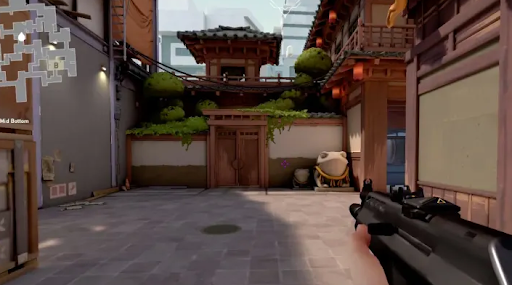
- Multi-Threaded Rendering – ON
- Material Quality – Low or Medium
- Texture Quality – Low or Medium
- Detail Quality – Low
- UI Quality – Low
Other Graphics Options
- Vignette – OFF
- VSync – OFF
- Anti-Aliasing – OFF
- Anisotropic Filtering – 2x or 4x
- Improve Clarity – ON
- Bloom – OFF
- Distortion – OFF
- Cast Shadows – OFF
Valorant Settings for Pro and Streamers – Most Used 3
Shahzam – Sentinels
Shahzam is one of the best players in the Sentinels, as you know. At the same time, he is the In Game Leader of the Sentinels team. Besides, we can say that his gaming experience is top-notch. We decided to share all the settings of Shahzam with you. Moreover, if you are betting on Valorant, we recommend you to watch the Sentinels team closely this season.
ShahZam Mouse
- DPI: 400
- eDPI : 212
- Sensitivity: 0.53
- Zoom Sensitivity: 1.00
- Windows Sensitivity: 6
- Polling Rate: 1000
- Raw Input Buffer: On
ShahZam Crosshair
- Crosshair Color: Green
- Center Dot: off
- Crosshair Outline:
- Outline Opacity: 0.5
- Outline Thickness: 1
- Inner Lines: On
- InnerLine Opacity: 1
- Inner Line Length: 5
- Inner Line Thickness: 2
- InnerLine offset: 3
- Outer Lines: off
Shahzam’s Video Settings
General
- Display – Fullscreen
- Resolution – 1920 x 1080
- Frame Rate Limit – Unlocked.
Graphics Settings
- Material Quality – Low
- Texture Quality – Low
- Detail Quality – Low
- UI Quality – Low
- Vignette – Off
- VSync – Off
- Anti-Aliasing – None
- Anisotropic Filtering – 1x
- Improve Clarity – Off
- Bloom – Off
- Distortion – Off
- Cast Shadows – On
Tenz – Sentinels
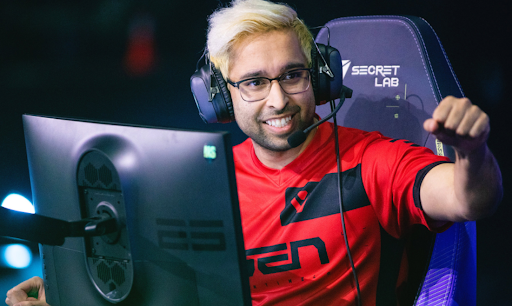
Tenz is considered by some to be Valorant’sValorant’s best player. Besides, the Esports industry is a very broad field. And every game has its own superstars. Furthermore, have you ever wondered who is the best Esports player in the world?
Mouse Settings
- DPI: 800
- In-game Sensitivity: 0.245
- eDPI: 392
- Scoped Sensitivity: 1.15
- Polling Rate: 1000
- Windows Sensitivity: 6
Tenz Crosshair
- Color: Cyan
- Inner Lines: 1 / 4 / 2 / 2
- Outlines: Off / 0 / 1
- Outer Lines: 0 / 0 / 0 / 0
- Center Dot: Off
- Fade / Movement / Firing Error: Off / Off / Off
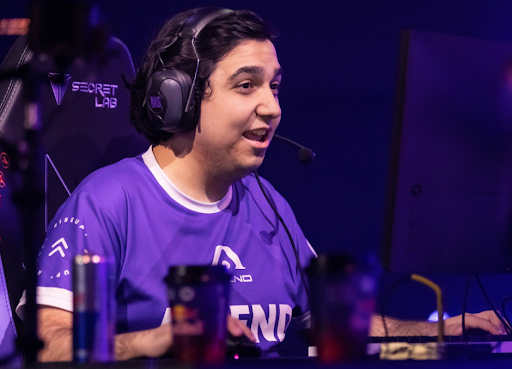
cNed – Acend
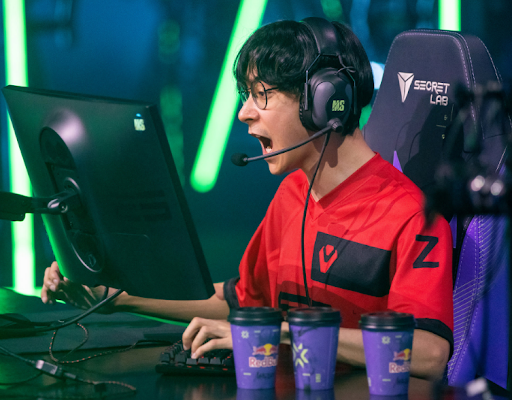
As you know, cNed is known for its famous Jett gameplay. Especially the Acend team has a big share in not being the VCT 2021 champion. Moreover, using cNed’scNed’s settings might make a difference in your gameplay as well. However, do not forget that you cannot rank up even if you make the desired setting without understanding the mechanics of the game.
Furthermore, if you want, you can analyze our Valorant ranking system article that we wrote in the past. If you are a beginner player, learning the main mechanics of the game will take you one step further.
Mouse Settings
- DPI – 800
- In-game Sensitivity – 0.32
- eDPI – 256
- Scoped Sensitivity – 1
- Polling Rate – 1000
- Windows Sensitivity – 6
cNed Crosshair Settings
- Colour – White
- Inner Lines – 1 / 4 / 2 / 0
- Outlines – Off / 0 / 0
- Outer Lines – 0 / 0 / 0 / 0
- Center Dot – Off
- Fade – Off
- Movement Error – Off
- Firing Error – Off