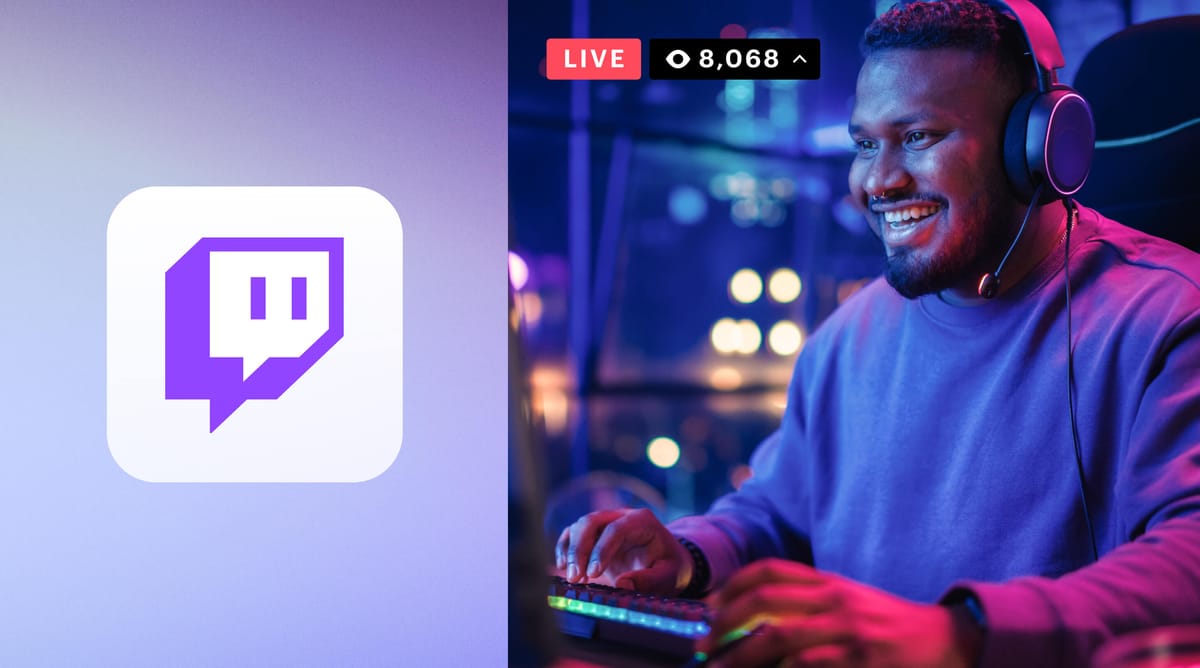
As you probably know, Twitch is a leading platform for live-streaming games. It helps to connect gamers with audiences worldwide. It’s where players share gameplay, chat in real time, and build communities around shared interests.
Whether you’re aiming to simply entertain or grow a loyal fanbase, starting your own Twitch stream can be rewarding.


Follow these steps to turn your gaming sessions into engaging broadcasts!
Choose the Right Games to Stream
Think about your interests and the audience appeal when selecting games – like Minecraft or Call of Duty. Popular titles may attract larger audiences, but niche games can build a loyal following.
Assess the game’s current demand on Twitch. Check how many viewers it has versus the number of active streamers in that category. High competition may make discovery harder.
Additionally, consider your own skill level or unique take on the game you pick. People love watching someone with expertise or a fresh perspective.
Also, make sure you know the rules concerning streaming casino games as, in 2022, Twitch began prohibiting the streaming of slots, roulette, and dice games through betting platforms that are not licensed by a reputable authority. In this informative article, gambling on Twitch is explained by Lewis Humphries in detail.
Set Up Your Twitch Account
Next, head to Twitch’s website, and create a free account.
Use a username that reflects your gaming brand or personality – something easy to remember.
Enable two-factor authentication for added security. This protects your account from unauthorized access.
Set up your profile by adding a clear bio, an eye-catching profile picture, and relevant links like social media or donation platforms.
Familiarize yourself with Twitch’s community guidelines too! Understanding these rules keeps you compliant while interacting with viewers.
Preparation here lays the foundation for a professional presence on the platform.
Build a Reliable Streaming Setup
Start with the essentials: a decent gaming PC or console, and a stable internet connection. Your equipment should handle both gameplay and streaming without lag.
Invest in a quality microphone for clear audio.
If possible, use a webcam to add personality by showing your reactions – viewers enjoy connecting face-to-face.
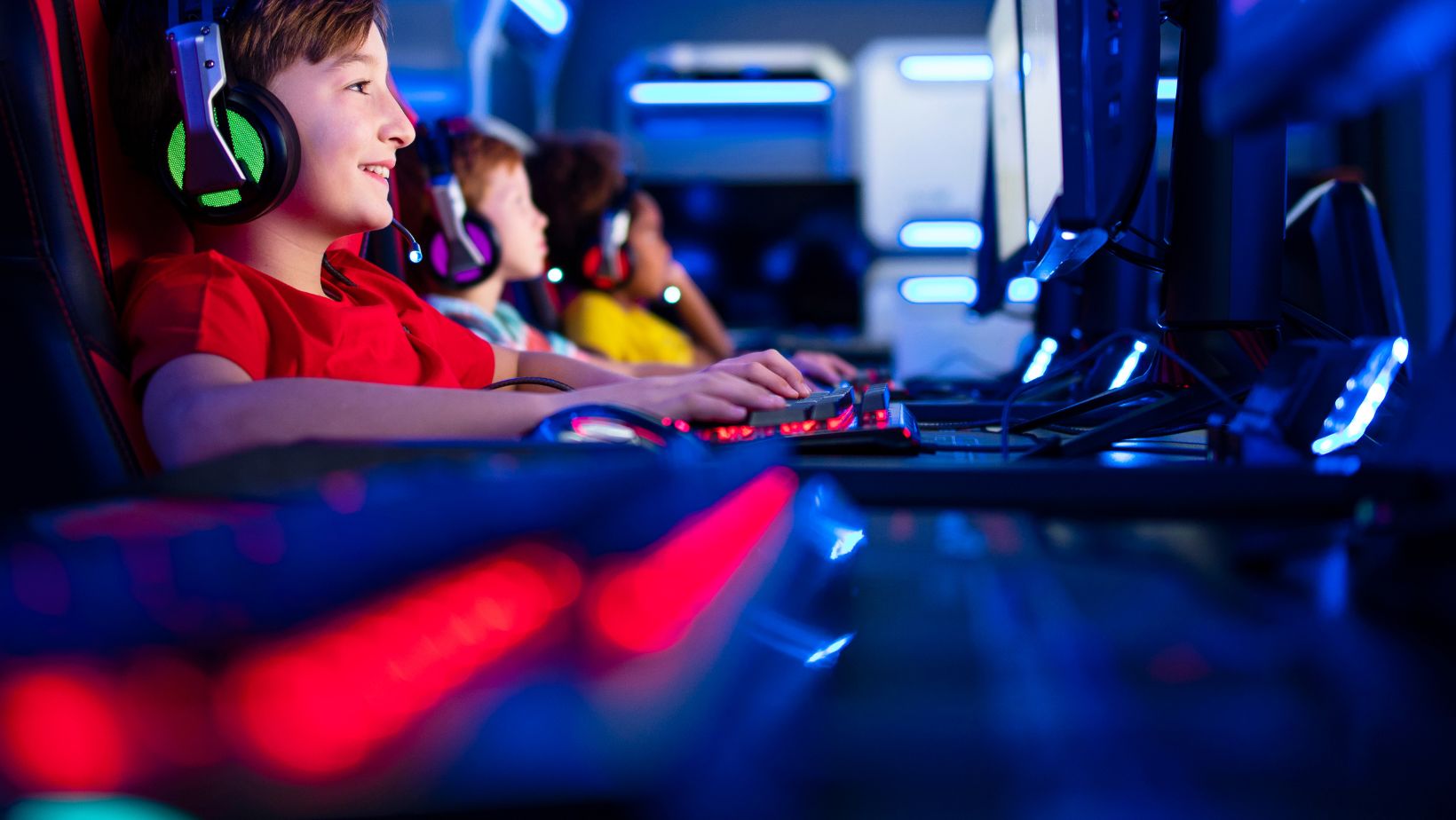
And ensure you have proper lighting if using video; even basic desk lamps can improve visuals.
Comfortable headphones are helpful too, especially during longer sessions. For streamers who need more freedom of movement during their broadcasts, bluetooth earbuds provide a convenient wireless audio option.
Test your setup beforehand to avoid technical issues mid-stream.
Configure Broadcasting Software for Streaming
Download a broadcasting tool like OBS Studio or Streamlabs. Both are free and widely used by streamers of all levels.
Set up the software to capture your game, webcam (if using one), and microphone input.
And adjust audio levels so your voice balances well with in-game sounds.
Link your Twitch account directly within the software for easy streaming access. Test the settings to ensure smooth video output without buffering or glitches.
Experiment with bitrates and resolutions based on your internet speed – aim for quality that viewers can enjoy comfortably!
Customize Your Twitch Channel Layout and Graphics
Personalize your channel to stand out. Use banners, panels, and overlays that match your brand or gaming theme.
Create custom panels for “About Me,” donation links, social media handles, and FAQs. These help viewers engage with you outside streams.
Add a starting screen or “Be Right Back” graphic to keep things professional during breaks. Platforms like Canva make designing simple.
Use clear branding on thumbnails and stream titles so new viewers immediately recognize your content style.
Remember: customization builds an identity that makes people want to return.
Going Live: Interact with Viewers During Streams
Once you’re live, focus on engaging with your audience.
Greet viewers as they join and respond to comments in the chat. Interaction creates a welcoming atmosphere.
Use overlays to highlight follower alerts or donations. It shows appreciation and encourages more participation.
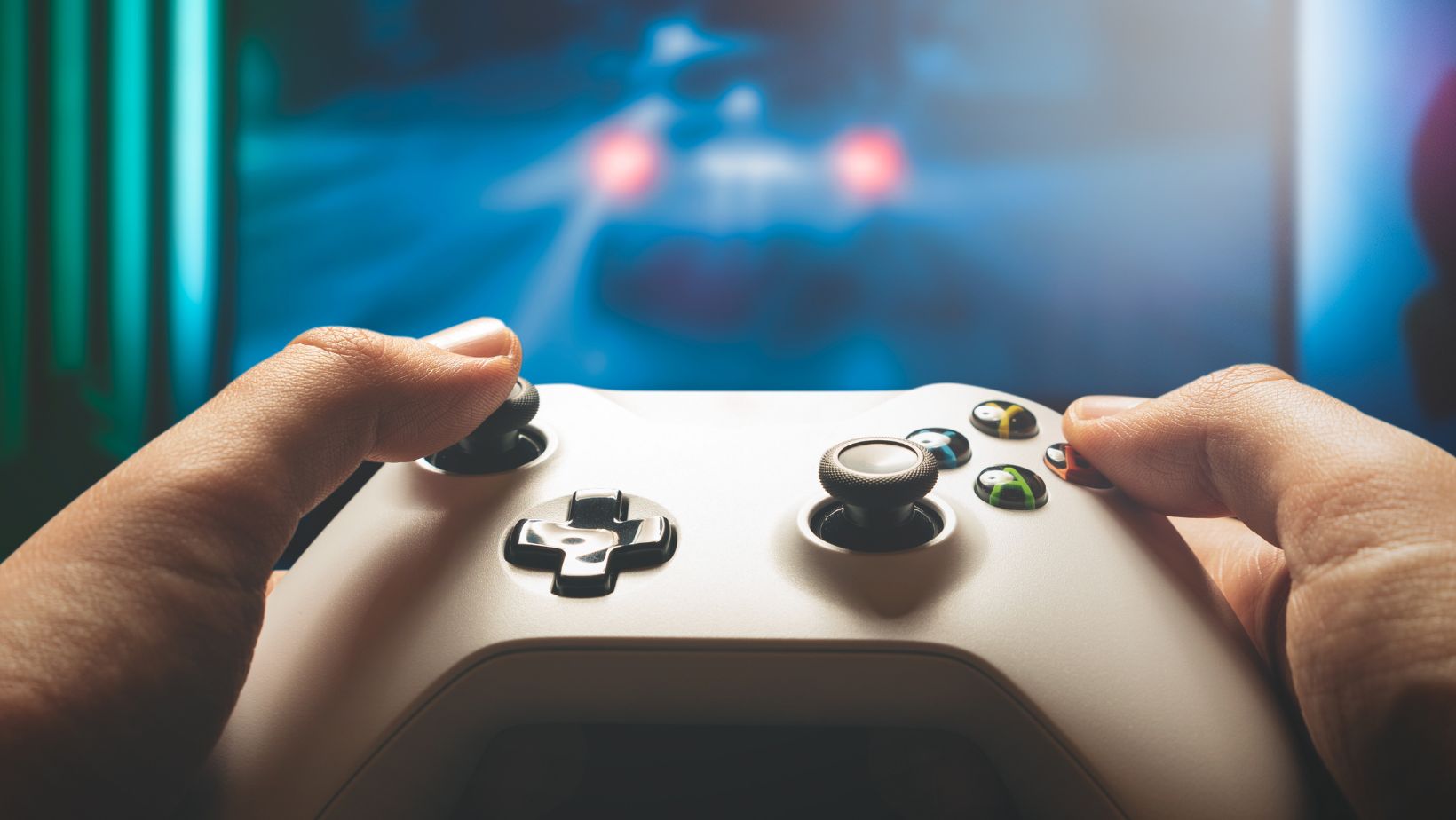
Maintain energy throughout the stream – consistent enthusiasm keeps people entertained. If there’s downtime in gameplay, share stories or ask your audience questions.
Set rules for chat behavior but stay approachable while moderating.
Active communication is what turns casual viewers into loyal followers!
Analysis Performance and Grow Your Audience
After each stream, check Twitch analytics for insights. Analyze metrics like viewer count, watch time, and chat activity to understand what works.
Watch your own streams occasionally. This helps you spot areas where content or interaction could improve.
Promote your channel on social media platforms with clips or highlights. Consistent posting grows visibility beyond Twitch.
Network with other streamers by joining gaming communities or participating in raids. Building connections boosts both support and exposure.
And use feedback from viewers constructively – it’s key to shaping better content as you continue streaming.